
Key facts
- Brand
- Vizio
- Model
- VUR8
- Industry
- Appliances
- Documents
- 2
- Languages
- EN
- Last added
- 2012-05-03
Start here
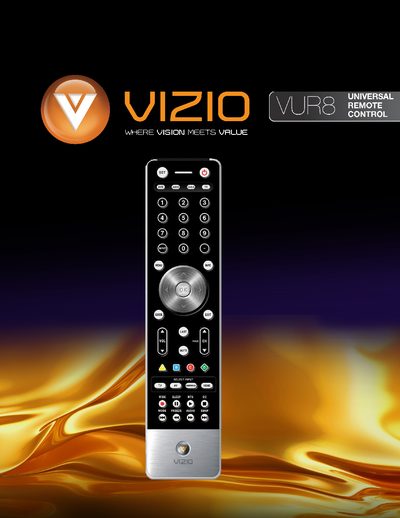
VIZIO VUR8 Remote User Manual
The VIZIO VUR8 is a universal remote that can control up to four different devices, including TV, DVD, audio receivers, and cable/satellite set‑top boxes. It offers dedicated buttons for each device type, a navigation wheel, and on‑screen display controls.
The manual covers battery installation, button functions, cleaning instructions, and step‑by‑step programming procedures for VCR, cable boxes, and DVD players, as well as searching for device codes and adjusting volume lock.
Vizio VUR8 specifications
| Battery type | AA |
|---|---|
| Remote range | Approximately 30 feet (10 meters) |
| Supported devices | Up to four devices |
Source: VIZIO VUR8 Remote User Manual
All Vizio VUR8 documents by type
Day-to-day operation, settings and troubleshooting. Start here if the product is already set up.
Questions answered in these manuals
How many devices can the VIZIO VUR8 remote control operate?
It can control up to four different devices.
How do I insert batteries into the remote?
Insert two AA batteries into the remote control, matching the polarity symbols.
How do I insert the batteries into the VUR8 remote?
Open the battery compartment, insert two AA batteries matching the (+) and (‑) polarity, and re‑attach the battery cover.
What is the effective operating range of the remote?
The remote works up to about 30 feet (10 meters) from the receiver window.