
Key facts
- Brand
- Vivotek
- Model
- ST7501
- Category
- Security Software
- Industry
- Software
- Documents
- 2
- Languages
- EN
- Last added
- 2026-11-09
Start here
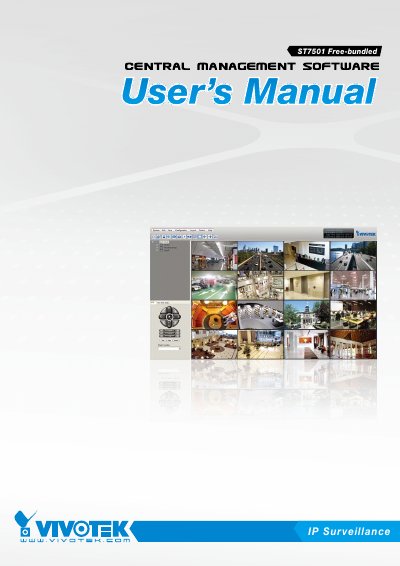
VIVOTEK ST7501 Central Management Software User's Manual
The VIVOTEK ST7501 is a new generation central management software designed for reliable recording and easy system management of diverse IP surveillance applications. It consists of three major components: the ST7501 Server for recording, the ST7501 LiveClient for real-time remote monitoring and system management, and the ST7501 Playback for browsing the database and retrieving recorded media data. These components can be installed on a single computer or distributed across separate computers.
Read onlineVIVOTEK ST7501 specifications
| Max Recording Channels | 32 channels |
|---|---|
| Max Playback Channels | 16 channels |
| Compatible Cameras | VIVOTEK network cameras |
Source: VIVOTEK ST7501 Central Management Software User's Manual
All VIVOTEK ST7501 documents by type
Mounting, wiring and first power-up. Read it before the hardware goes in.
Day-to-day operation, settings and troubleshooting. Start here if the product is already set up.
Questions answered in these manuals
How do I install the ST7501 software?
Run ST7501_Setup.exe, choose installation location, select server and client components, assign a username and password for the server, set the recording path, then complete the installation.
From: VIVOTEK ST7501 Video Management Software Quick Installation Guide
How do I add cameras to ST7501 LiveClient?
In LiveClient, go to Configuration > Camera Management > Batch insert camera, click Search to find cameras by IP range, model prefix, or MAC prefix, select cameras, adjust settings if needed, then click OK to add them.
From: VIVOTEK ST7501 Video Management Software Quick Installation Guide
Can the ST7501 components be installed on the same computer?
Yes, you can install and run the three components on a single computer, or install all of them in three separate computers.
From: VIVOTEK ST7501 Central Management Software User's Manual
How many video channels can the ST7501 Server record simultaneously?
The ST7501 Server is able to record network video streams up to 32 channels.
From: VIVOTEK ST7501 Central Management Software User's Manual