
Testo ComSoft 3.4 Software User Manual

This is an instruction manual for ComSoft 3.4 software of Testo.
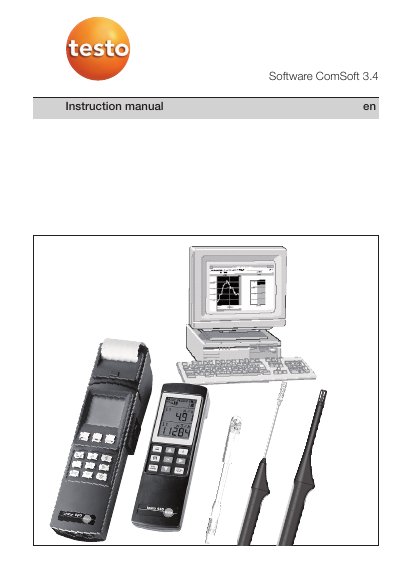

Testo ComSoft 3.4 Software User Manual - cover page
Brand
testo
Document type
User Manual
Language
English
Pages
64
File format
PDF
File size
1.4 MB
Published
17 October, 2023
Updated
17 October, 2023
MD5 checksum
6FC089995DF57C1B498400113D5D2B25

About this manual

This manual explains how to install and use Testo ComSoft 3.4 software for logging and analyzing data from Testo measuring instruments. It covers system requirements, installation steps, interface controls, and data visualization options.

The software supports online measurements, data export, and multiple instrument drivers. It is designed for use with Windows operating systems and includes detailed instructions for navigating menus, toolbars, and context-sensitive help.

What's inside

  • Preparation
  • Defined use
  • Installation
  • 1st session – Brief instructions
  • Mouse functions
  • Toolbars and palettes
  • Online help
  • Example 1
  • Example 2
  • Example 3

Frequently asked questions

What is the minimum processor speed required to run ComSoft 3.4?

The software requires a minimum processor speed of 800MHz.

How much free hard drive memory is needed for installation?

A minimum of 50MB of free hard drive memory is required.

What is the warranty period for the software?

Testo guarantees the software for a period of 90 days following acquisition.

Download PDF (1.4 MB)

More testo Manuals


View all testo manuals →