
Key facts
- Brand
- SWIT
- Model
- DT-X71F
- Category
- Other Electronics
- Industry
- Appliances
- Documents
- 2
- Languages
- EN
- Last added
- 2026-10-18
Start here
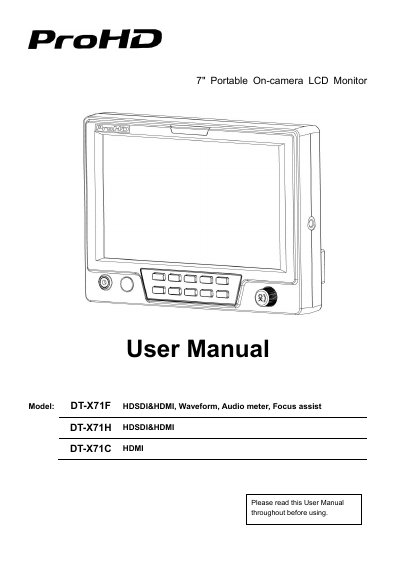
SWIT DT-X71F HDSDI&HDMI 7" Portable On-camera LCD Monitor User Manual
The SWIT DT-X71F is a 7-inch high-resolution LCD monitor designed for professional video production. It supports multiple inputs including two HD/SD-SDI channels, one HDMI, and one composite input. Key features include waveform and vector scope displays, audio metering, peaking focus assist, false color mode, and zebra stripes to aid in exposure monitoring.
Read onlineSWIT DT-X71F specifications
| Screen Size | 7 inch |
|---|---|
| Resolution | 1024 x 600 |
| Contrast Ratio | 900:1 |
| Viewing Angle (H/V) | 160/160 degrees |
| SDI Inputs | 2 HD/SD-SDI |
| HDMI Input | 1 HDMI |
| Composite Input | 1 Composite |
Source: SWIT DT-X71F HDSDI&HDMI 7" Portable On-camera LCD Monitor User Manual
All SWIT DT-X71F documents by type
Day-to-day operation, settings and troubleshooting. Start here if the product is already set up.
Questions answered in these manuals
How do I turn the monitor on and off?
Press the POWER button to switch it on; after 10 seconds, the monitor enters normal working status. Press again to switch it off.
From: SWIT DT-X71F HDSDI&HDMI 7" Portable On-camera LCD Monitor User Manual
What happens when audio levels exceed -20dB?
The audio bars turn yellow when audio exceeds -20dB.
From: SWIT DT-X71F HDSDI&HDMI 7" Portable On-camera LCD Monitor User Manual
What is the warranty period for this monitor?
The warranty period of this product is 2 years.
From: SWIT DT-X71F HDSDI&HDMI 7" Portable On-camera LCD Monitor User Manual
How do I activate the Peaking Focus Assist function?
Press the 'FOCUS' button once to check status, then press again to switch between RED line and BLUE line focus assist.
From: SWIT DT-X71F HDSDI&HDMI 7" Portable On-camera LCD Monitor User Manual