
Key facts
- Brand
- SkyGW
- Model
- SkyGW-400
- Industry
- Electronics
- Documents
- 3
- Languages
- ZH
- Last added
- 2026-10-21
Start here
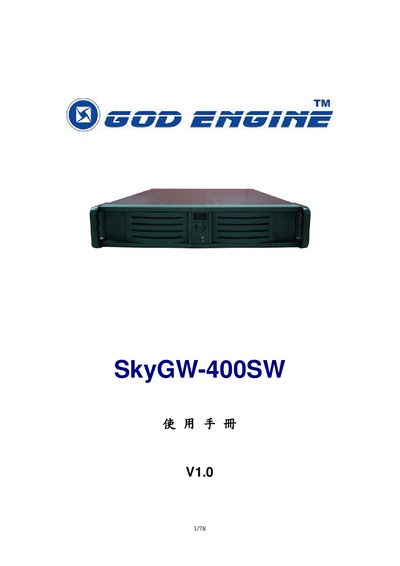
SkyGW-400SW User Manual
The SkyGW-400SW is a four‑port Skype gateway that connects a corporate PBX to Skype, allowing employees to make and receive Skype calls using existing desk phones. The manual explains how to install the hardware, set up the SkyGW4 software, and configure Skype accounts and routing.
It also covers web‑based administration, user and public phone‑book management, troubleshooting, and safety compliance. Detailed steps guide administrators through software installation, feature settings, and remote management of call logs and statistics. This manual is written in Chinese.
SkyGW-400 specifications
| Ports | 4 FXS ports |
|---|---|
| USB Port | 1 USB port for PC connection |
| Supported Skype Versions | Skype V2.5, V3.0 (3.0.0.216+), V3.1 |
| Server CPU Requirement | Above 3.2GHz |
| Server RAM Requirement | 1024 MB |
All SkyGW-400 documents by type
Day-to-day operation, settings and troubleshooting. Start here if the product is already set up.
Questions answered in these manuals
What are the system requirements for the server host?
The server must have a processor above 3.2GHz, 1024 MB RAM, an unused USB port, and at least 100MB of free hard drive space.
Which Skype versions are supported?
The device supports Skype V2.5, V3.0 (version 3.0.0.216 or higher), and V3.1.
Which Skype versions are supported?
The device supports Skype V2.5, V3.0 (version 3.0.0.216 or higher), and V3.1.
Can SkyGW-400 connect to a PBX?
Yes, it can be connected to an existing PBX via its FXS ports to allow employees to use office extensions for Skype calls.