
This manual provides installation and operation instructions for the SkyGW-400, a four-port Skype gateway for enterprise PBX integration.
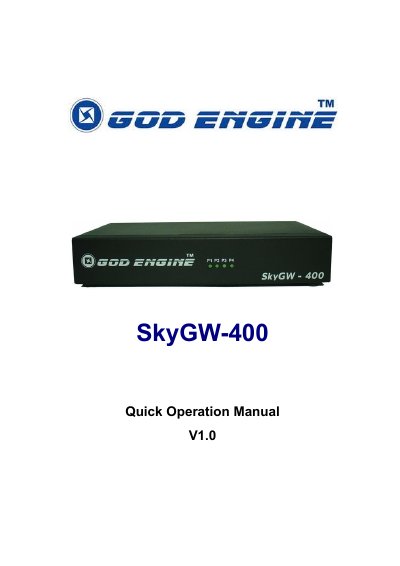
The SkyGW-400 is a four-port Skype gateway designed to help enterprises integrate Skype into existing PBX systems. It allows employees to make and receive Skype calls through office extension phones without installing Skype on personal PCs, thereby enhancing security and reducing communication costs. The device supports up to four independent Skype calls concurrently and features a 'Cheese Button' function for flexible call management.
| FXS Ports | 4 FXS ports |
|---|---|
| Power Supply | DC 5V |
| USB Port | One USB port (Type B) |
| Compatible Skype Versions | Skype V. 2.5, 3.0 and 3.1 |
| Maximum Concurrent Calls | 4 independent Skype calls |
| Cascading Support | Up to 8 FXS ports |
| Minimum RAM | 1024 MB |
The server PC must run Windows XP (Service Pack 2), have at least 1024 MB RAM, a USB port, a CD-ROM drive, and 100MB free hard disk space.
No, the device connects Skype through office extension phones, so microphones and speakers are not needed.
Yes, it supports devices cascading up to 8 FXS ports to one PC using the dip switch.