
This manual provides installation instructions, system requirements, and setup guides for the SkyGW-400 four-port Skype gateway device.
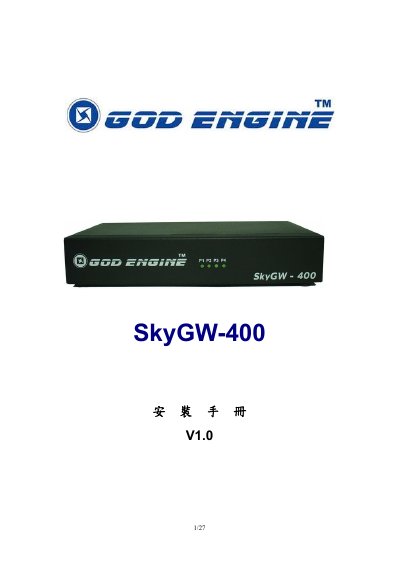
The SkyGW-400 is a four-port Skype gateway designed to help enterprises integrate Skype with their existing PBX systems or serve as a standalone IP-PBX. It allows employees to make and receive Skype calls via standard office phone extensions without requiring individual PCs, thereby enhancing security and reducing costs. This manual is written in Chinese.
| Ports | 4 FXS ports |
|---|---|
| USB Port | 1 USB port for PC connection |
| Supported Skype Versions | Skype V2.5, V3.0 (3.0.0.216+), V3.1 |
| Server CPU Requirement | Above 3.2GHz |
| Server RAM Requirement | 1024 MB |
The server must have a processor above 3.2GHz, 1024 MB RAM, an unused USB port, and at least 100MB of free hard drive space.
The device supports Skype V2.5, V3.0 (version 3.0.0.216 or higher), and V3.1.
Yes, it allows employees to make and receive Skype calls via existing office extensions without needing personal computers.