
Key facts
Start here
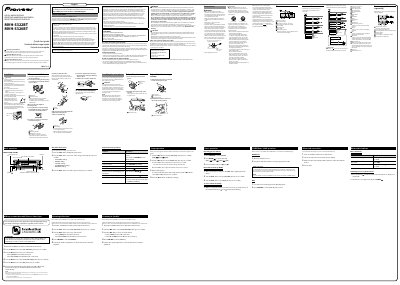
Pioneer MVH-S322BT/MVH-S320BT Digital Media Receiver Quick Start Guide
This guide helps you install and operate the Pioneer MVH-S322BT/MVH-S320BT digital media receiver. It includes instructions for mounting the unit, connecting via USB or Bluetooth, and using features like Pioneer Smart Sync and Pandora. Safety warnings and installation precautions are also provided.
The guide emphasizes safe usage, including volume control to protect hearing, avoiding interference with vehicle systems, and proper installation to prevent malfunctions or hazards.
Pioneer MVH-S320BT specifications
| Power Output | 14 W RMS x 4 channels |
|---|---|
| THD+N | 21% |
| Signal-to-Noise Ratio | 91 dBA |
| Bluetooth Version | 4.0 certified |
| FM Frequency Range | 87.9 MHz to 107.9 MHz |
| AM Frequency Range | 530 kHz to 1710 kHz |
Source: Pioneer MVH-S320BT/MVH-S322BT Digital Media Receiver Operation Manual
All Pioneer MVH-S320BT documents by type
Day-to-day operation, settings and troubleshooting. Start here if the product is already set up.
The shortest path to a working setup, usually only a few pages.
Questions answered in these manuals
Where is the serial number located?
The serial number is located on the bottom of the unit.
From: Pioneer MVH-S320BT/MVH-S322BT Digital Media Receiver Operation Manual
How do I turn the power on and off?
Press SRC/OFF to turn on the power, and press and hold SRC/OFF to turn it off.
From: Pioneer MVH-S320BT/MVH-S322BT Digital Media Receiver Operation Manual
Where is the serial number located on the unit?
The serial number is located on the bottom of the unit.
From: Pioneer MVH-S322BT/MVH-S320BT Digital Media Receiver Quick Start Guide