
Key facts
- Brand
- Pioneer
- Model
- PDP-5040HD
- Category
- Television
- Industry
- Appliances
- Documents
- 2
- Languages
- EN
- Last added
- 2012-07-11
Start here
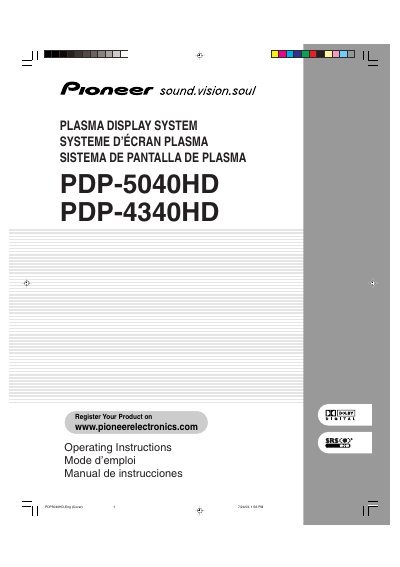
pioneer PDP-5060HD PDP-5040HD Operating Instructions
This document provides operating instructions for the Pioneer PDP-5040HD and PDP-4340HD Plasma Display Systems. It covers safety precautions, operational guidance, and features of both the plasma display unit and the media receiver.
The manual details how to install the system, connect various external devices such as VHF/UHF antennas, cable converters, DVD players, VCRs, game consoles, and personal computers. It also explains basic operations including turning power on/off, watching conventional and digital TV channels, adjusting picture and sound settings, using the Electronic Program Guide (EPG), and configuring parental controls.
All Pioneer PDP-5040HD documents by type
Day-to-day operation, settings and troubleshooting. Start here if the product is already set up.
Questions answered in these manuals
What is the product name and model number of this system?
The product is the Plasma Display System, and the model numbers are PDP-5040HD and PDP-4340HD.
From: Pioneer PDP-5040HD/PDP-4340HD Plasma Display System Operating Instructions
What specific items should not be placed near the apparatus?
You must not put any water source near the apparatus, such as a vase, flower pot, cosmetics container, or medicine bottle.
From: Pioneer PDP-5040HD/PDP-4340HD Plasma Display System Operating Instructions
What models are covered in this manual?
This manual covers the Pioneer PDP-5040HD and PDP-4340HD Plasma Display Systems.
Where is the serial number located?
The serial number for this equipment is located on the rear panel.