
Key facts
- Brand
- Mobotix
- Model
- M73
- Category
- Other Electronics
- Industry
- Electronics
- Documents
- 3
- Languages
- ZH · DE · EN
- Last added
- 2026-11-14
Start here
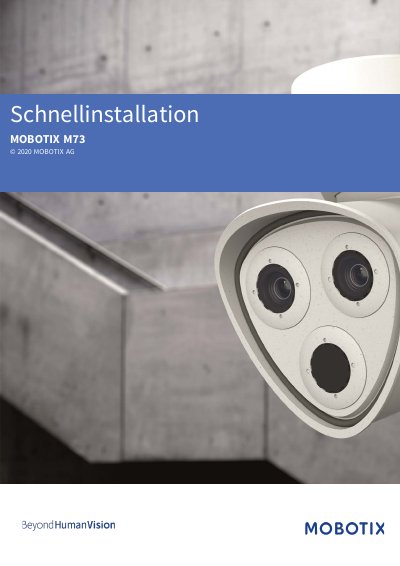
MOBOTIX M73 Camera Quick Installation Guide
This is the MOBOTIX M73 Schnellinstallation (quick installation guide) published by MOBOTIX AG. It lists the delivery contents and dimensions of the M73, gives technical specifications, and walks through mounting, connecting and commissioning the camera.
The guide covers wall mounting, opening and closing the module housing, fitting the safety clips and lens screws, network settings, aligning the camera and focusing the TELE 15° lenses. It ends with reaching the camera software in a web browser using the factory admin credentials and configuring the sensor modules. This manual is written in German.
MOBOTIX M73 specifications
| Image sensor resolution | 4K UHD 3840x2160 |
|---|---|
| Light sensitivity (Color sensor) | 0,1 lx @ 1/60s; 0,005 lx @ 1s |
| Light sensitivity (BW sensor) | 0,02 lx @ 1/60s; 0,001 lx @ 1s |
| IK protection class | IK10 |
| IP protection class | IP66 |
| Ambient temperature range | -40 to 65 °C |
| Max. power consumption | 25 Watt |
| Interfaces | Ethernet 1000BaseT, miniUSB |
| Dimensions | 228 x 153 x 232 mm |
| Weight | Approx. 2.5 kg/5.5 lb |
All MOBOTIX M73 documents by type
Day-to-day operation, settings and troubleshooting. Start here if the product is already set up.
The shortest path to a working setup, usually only a few pages.
Questions answered in these manuals
What is the maximum ambient temperature for the M73 camera?
The camera can operate in an ambient temperature range of -40 to 65 °C (-40 to 149 °F).
What is the maximum power consumption of the M73?
The maximum power consumption is 25 Watt.
What are the default login details for the admin area?
The factory username is admin and the factory password is meinsm; the password must be changed at first login.
How do I open the camera website in a browser?
Call up the camera's IP address in a web browser; the IP address is on the back of the camera housing or on the M.12 sticker.
How do I start the MOBOTIX camera?
You can start the camera by activating the boot menu.
What is the purpose of the MxBus Interface?
It is used for managing MxBus modules and configuring their inputs and outputs.