
Key facts
- Brand
- Mircom
- Model
- TX3
- Category
- Other Electronics
- Documents
- 2
- Languages
- EN
- Last added
- 2023-10-19
Start here
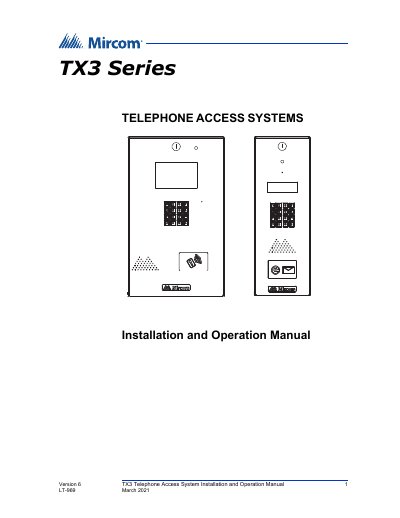
Mircom TX3 Telephone Access System Installation and Operation Manual
The Mircom TX3 series provides high-quality two-way communication between residents and visitors in multi-unit dwellings. The system supports both Auto Dialer (ADC) and No Subscriber Line (NSL) configurations and can be networked using RS-485 or Ethernet TCP/IP connections. It integrates with various Mircom controllers such as Elevator Restriction Units and Card Access Units.
Read onlineMircom TX3 specifications
| Maximum networked units (RS-485) | 63 units |
|---|---|
| Maximum networked units (Ethernet) | more than 64 units |
| Maximum ADC/NSL lines per panel | five |
| Maximum event logs | 5000 |
| Supported languages | English, French-Canadian and Spanish |
Source: Mircom TX3 Telephone Access System Installation and Operation Manual
All Mircom TX3 documents by type
Day-to-day operation, settings and troubleshooting. Start here if the product is already set up.
Questions answered in these manuals
What are the two main system configurations supported by the TX3?
The system can be configured as an autodialer controller (ADC) or as a no subscriber line (NSL) system.
From: Mircom TX3 Telephone Access System Installation and Operation Manual
What network connection options are available for the TX3 system?
The system can be networked using a peer-to-peer RS-485 connection, an Ethernet TCP/IP connection, or a combination of both.
From: Mircom TX3 Telephone Access System Installation and Operation Manual
What is the factory default passcode?
If you have not set a personal password, the factory default is a four-digit code.
How do I enter configuration mode?
Press the star key, select the Configuration menu, and enter the passcode.