
Key facts
- Brand
- Midea
- Model
- KJ30FE-NM
- Category
- Air Cleaners Purifiers
- Industry
- Appliances
- Documents
- 2
- Languages
- ZH
- Last added
- 2026-10-23
Start here
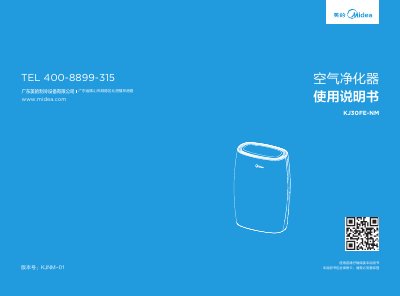
Midea KJ30FE-NM Air Purifier User Manual
This document is the user manual for the Midea KJ30FE-NM air purifier. It covers essential safety precautions, installation of filter components, and detailed operating instructions for various modes including automatic, sleep, and timed settings. The manual also explains the air quality indicator lights and the IoT functionality for remote control via the Midea Smart Home APP. This manual is written in Chinese.
Read onlineAll Midea KJ30FE-NM documents by type
Day-to-day operation, settings and troubleshooting. Start here if the product is already set up.
Questions answered in these manuals
How do I reset the filter cleaning timer?
Press and hold the 'Negative Ion' button for 3 seconds to reset the filter cleaning timer.
How do I enable the child lock function?
Press and hold the 'Purification Amount' and 'Timer Off' buttons simultaneously for 1 second to enable the child lock.
How do I install the filter component?
Turn off the power, remove the back cover, follow the arrows on the filter package, and insert the filter component ensuring correct orientation before re‑securing the cover.
How can I reset the filter‑cleaning indicator?
Press and hold the negative ion button for three seconds; this resets the filter‑cleaning indicator.