
Key facts
- Brand
- Microscan
- Model
- ID-30
- Documents
- 2
- Languages
- ZH · EN
- Last added
- 2026-10-03
Start here
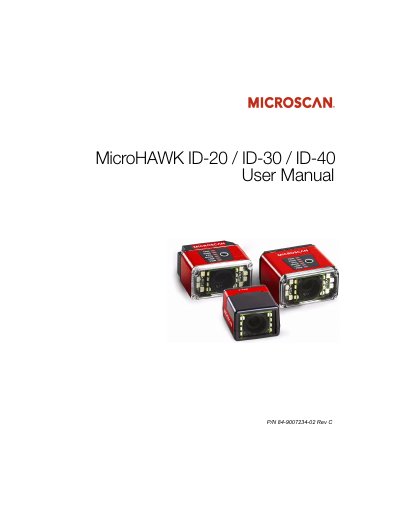
Microscan MicroHAWK ID-20 / ID-30 / ID-40 User Manual
This manual provides step-by-step instructions for installing, configuring, and operating the MicroHAWK ID-20, ID-30, and ID-40 barcode readers using WebLink or ESP Software. It covers hardware setup, communication protocols, calibration, symbology support, I/O parameters, and firmware management. The readers are designed for industrial use with customizable software and hardware options.
The manual includes detailed sections on using WebLink for intuitive configuration, ESP Software for advanced settings, serial commands for direct control, and troubleshooting tools. It also details compliance with FCC, CE, and UL standards, and provides technical specifications for electrical and operational parameters.
Microscan ID-30 specifications
| IP Rating (ID‑40) | IP65/67 |
|---|---|
| Physical Size (ID‑20) | 19.5 mm × 28.7 mm × 33.9 mm |
| USB Interface | USB 2.0 High Speed |
| LED Illumination | 4 White + 4 Red LEDs (inner) |
| Operating Temperature | 0 °C to 40 °C |
| Read Distance | 50 mm to 300 mm |
Source: Microscan MicroHAWK ID-20/ID-30/ID-40 Barcode Scanner User Manual
All Microscan ID-30 documents by type
Day-to-day operation, settings and troubleshooting. Start here if the product is already set up.
Questions answered in these manuals
How do I configure the scanner without installing software?
Connect power and the desired interface, then open a web browser, enter the scanner’s IP address, and use the WebLink UI to set parameters and view live data.
From: Microscan MicroHAWK ID-20/ID-30/ID-40 Barcode Scanner User Manual
Which communication interfaces are available?
The scanners support USB 2.0 High Speed, Ethernet over USB, and RS‑232 serial connections.
From: Microscan MicroHAWK ID-20/ID-30/ID-40 Barcode Scanner User Manual
What are the key features of the MicroHAWK ID readers?
They are the world’s smallest industrial barcode readers, able to read any symbol on any surface, with an intuitive WebLink interface and customizable options.
What is the primary purpose of this user manual?
The manual documents the hardware and firmware of the MicroHAWK ID series of readers, as well as the software used to configure and operate those readers.