
Key facts
- Brand
- Klein Tools
- Model
- IR1
- Industry
- Electronics
- Documents
- 2
- Languages
- FR · EN
- Last added
- 2026-11-16
Start here
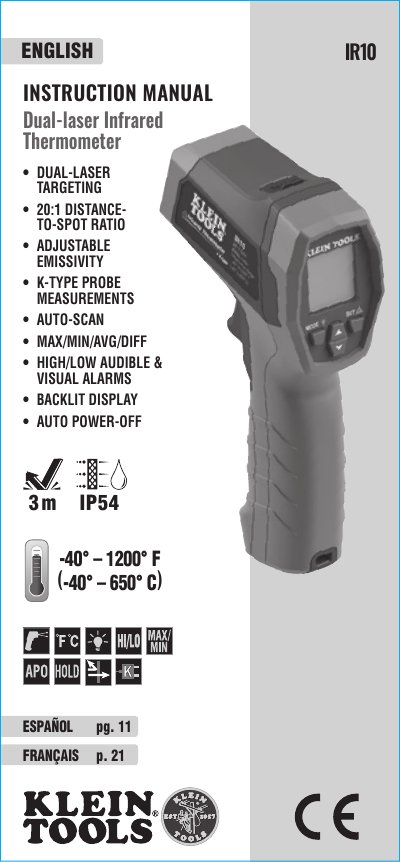
Klein Tools IR10 Dual-Laser Infrared Thermometer Instruction Manual
This is the English instruction manual for the Klein Tools IR10, a dual-laser targeting infrared thermometer that also accepts a standard K-type probe. It lists the meter's general and measurement specifications, identifies the buttons, display icons and ports, and gives the safety warnings for the Class II targeting lasers.
The manual explains operation: how to activate the targeting lasers, how the 20:1 distance-to-spot ratio defines the measurement area, how to take IR and K-type probe measurements, data hold and auto power-off, backlight, MIN/MAX/AVG/DIFF statistics, and the settings menu for emissivity, °F/°C, high/low alarms, audible alarms and the trig function. A table of typical emissivity values by material is included for guidance.
Klein Tools IR1 specifications
| Measurement Range | -4° to 752°F (-20° to 400°C) |
|---|---|
| Distance-to-Spot Ratio | 10:1 |
| Display | Backlit LCD with white backlight |
| Battery Type | 1 x 9V battery |
| Battery Life | 5 hours continuous use w/laser and backlight on |
| Dimensions | 6" x 4.1" x 1.7" (152 x 104 x 43 mm) |
| Weight | 7.4 oz. (210 g) including battery |
| Operating Temperature | 32° to 122°F (0° to 50°C) |
| Storage Temperature | -4° to 140°F (-20° to 60°C) |
| Laser Class | FDA and IEC Class 2 |
| Wavelength | 630 – 670 nm |
| Max Power | 1mW |
| Beam Divergence | 1.5mrad |
| Emissivity | 0.95 fixed |
| Response Time | <500ms |
| Data Hold | Yes |
| Display Resolution | 0.1°F (0.1°C) |
| Drop Protection | 6.6 ft. (2m) |
All Klein Tools IR1 documents by type
Day-to-day operation, settings and troubleshooting. Start here if the product is already set up.
Questions answered in these manuals
How do I change the temperature unit from Fahrenheit to Celsius?
Loosen the screw in the Battery Compartment Door and push the °F/°C Switch to change to Celsius. Replace the Battery Compartment Door and tighten the screw to secure.
What is the measurement range of the IR1?
The IR1 measures from -4°F to 752°F (-20°C to 400°C).
What is the distance-to-spot ratio of the Klein Tools IR10?
The IR10 has a 20:1 optical resolution, so the measurement area grows with distance from the meter; a diagram in the manual shows typical spot diameters.
From: Klein Tools IR10 Dual-Laser Infrared Thermometer Instruction Manual
What temperature range can the IR10 measure?
Both IR and K-type measurement modes are rated from -40°F to 1200°F (-40°C to 650°C).
From: Klein Tools IR10 Dual-Laser Infrared Thermometer Instruction Manual