
Key facts
Start here
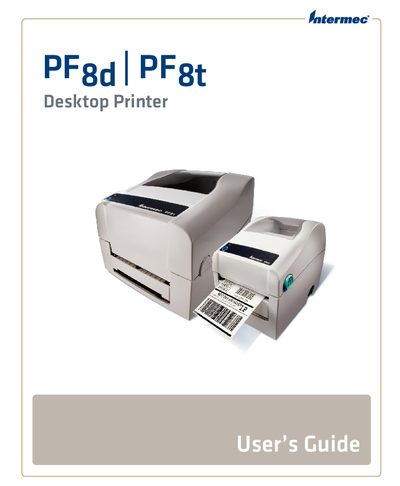
Intermec PF8d / PF8t Desktop Printer User Guide
This manual explains how to safely install, configure, and service the Intermec PF8d and PF8t desktop printers. It includes safety information, warranty details, and support contacts.
Key sections cover connecting the printer via serial, USB, parallel, or Ethernet, loading various media types, configuring printer settings, upgrading firmware, and troubleshooting common issues.
All Intermec PF8t documents by type
Day-to-day operation, settings and troubleshooting. Start here if the product is already set up.
Questions answered in these manuals
Where can I find warranty information for the PF8 printers?
Visit the Intermec website at www.intermec.com and click Service & Support > Warranty.
What phone number can I call for technical support in the USA and Canada?
Call 1‑800‑755‑5505 for Intermec technical support in the USA and Canada.
How can I connect the printer to a network?
Use the Ethernet port and follow the steps in the "Connecting the Printer to Your Network" section.
How do I upgrade the printer firmware?
Run the firmware upgrade procedure described in the "Upgrading the Firmware" section of the guide.