
PF8d and PF8t are desktop printers. This document provides the user's guide for these printers, including instructions for operation and maintenance.
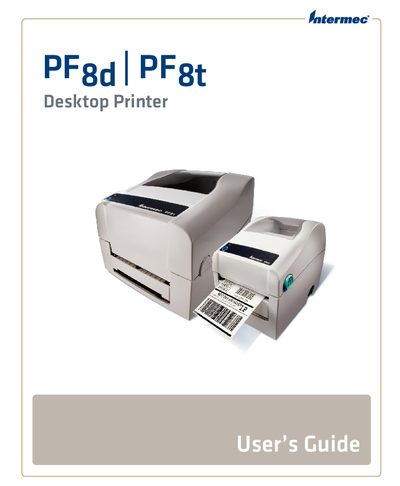
This manual explains how to safely install, configure, and service the Intermec PF8d and PF8t desktop printers. It includes safety information, warranty details, and support contacts.
Key sections cover connecting the printer via serial, USB, parallel, or Ethernet, loading various media types, configuring printer settings, upgrading firmware, and troubleshooting common issues.
| Supported Media Types | Direct Thermal (PF8d) and Thermal Transfer (PF8t) |
|---|---|
| Supported Interfaces | RS-232 Serial, USB, Parallel, Ethernet, Internal |
Use the Ethernet port and follow the steps in the "Connecting the Printer to Your Network" section.
Run the firmware upgrade procedure described in the "Upgrading the Firmware" section of the guide.
The PF8d uses Direct Thermal media, while the PF8t can also use Thermal Transfer ribbons.
Insert the card following the instructions in the "Installing a CompactFlash Card (PF8t Only)" section.