
Key facts
- Brand
- Intermec
- Model
- CK31
- Category
- Other device
- Documents
- 2
- Languages
- EN
- Last added
- 2012-06-01
Start here
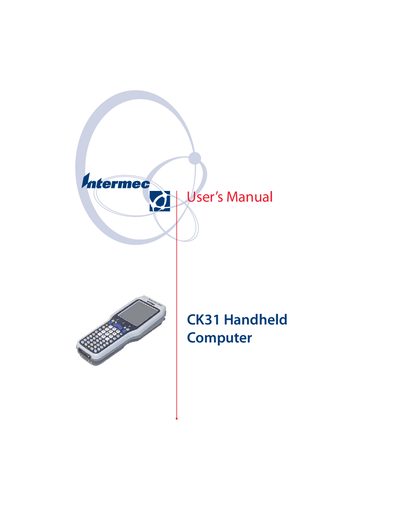
Intermec CK31 Handheld Computer User Manual
User Manual 208 pages · 2.1 MB · EN
This manual explains how to use, configure, and service the Intermec CK31 handheld computer. It covers hardware components such as the battery, keypad, touch screen, and various scanner options, as well as software features like networking, security, and application installation.
Additional sections detail diagnostics, troubleshooting, and warranty information, helping users maintain optimal performance and resolve common issues.
Intermec CK31 specifications
| Battery | Removable rechargeable |
|---|---|
| Bluetooth printing support | Yes |
| Standard range laser scanner | Available |
| Long range laser scanner | Available |
| Wi‑Fi (802.11b/g) | Supported |
All Intermec CK31 documents by type
User Manual 1
Day-to-day operation, settings and troubleshooting. Start here if the product is already set up.
Other documents 1
Questions answered in these manuals
How do I charge the CK31 battery?
Refer to the 'Using the Battery' section for charging and installing the battery.
How can I set up Wi‑Fi on the CK31?
Use the Intermec Settings to configure 802.11b/g radio communications as described in the manual.