
Key facts
- Brand
- Inovance
- Model
- IT5000 Series
- Category
- Automation control Equipment
- Documents
- 2
- Languages
- ZH
- Last added
- 2026-10-13
Start here
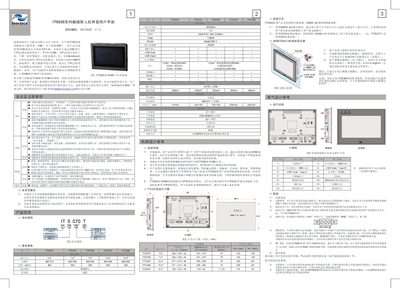
Inovance IT5000 Series HMI User Manual
The document provides detailed instructions for installing the Inovance IT5000 series HMI using either NEMA-4 or VESA standards. It includes specific steps for securing the unit to a panel and lists all external connection terminals, such as power interfaces, serial ports, USB, Ethernet, and audio outputs. This manual is written in Chinese.
Read onlineInovance IT5000 Series specifications
| Input Voltage | 24VDC±20% |
|---|---|
| Operating Temperature | -5℃~55℃ |
| Panel Protection Rating | IP65 |
| CPU Type | 32bit RISC 400~533MHz |
All Inovance IT5000 Series documents by type
Day-to-day operation, settings and troubleshooting. Start here if the product is already set up.
Mounting, wiring and first power-up. Read it before the hardware goes in.
Questions answered in these manuals
What installation standards does the IT5000 series support?
The product supports two installation standards: NEMA-4 standard and VESA standard.
Can the IT5043T model be installed using VESA standards?
No, the IT5043T model does not support VESA standard installation.
What is the required power supply voltage for the HMI?
The HMI requires a 24VDC power supply with a tolerance of ±20%.
From: Inovance IT5000 Series HMI Touch Screen Installation Guide
What is the front panel protection rating?
The front panel meets IP65 protection rating when correctly installed.
From: Inovance IT5000 Series HMI Touch Screen Installation Guide