
Key facts
- Brand
- IBM
- Model
- TRIRIGA Version 12
- Category
- Application program
- Industry
- Software
- Documents
- 2
- Languages
- EN
- Last added
- 2023-12-01
Start here
IBM TRIRIGA Version 12 User Manual
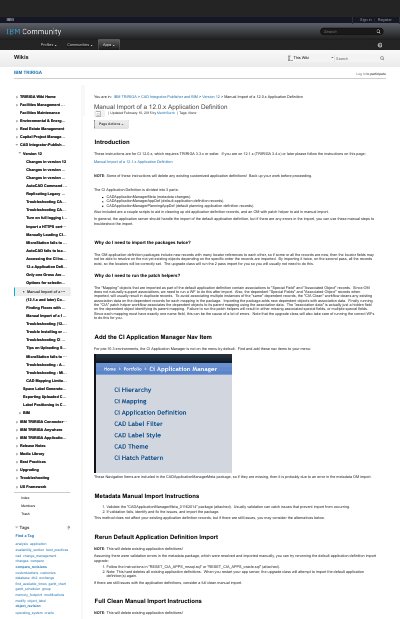
This document provides instructions for manually importing IBM TRIRIGA Version 12 application definition packages, including metadata, default application definitions, and planning application definitions. It covers validation, import steps, and troubleshooting for CI 12.0.x environments requiring TRIRIGA 3.3.x or earlier.
The guide explains why packages may need to be imported twice, how to run patch helpers such as CIA Clean and CIA, and includes steps for full clean manual import using attached SQL and ZIP files.
All IBM TRIRIGA Version 12 documents by type
Day-to-day operation, settings and troubleshooting. Start here if the product is already set up.
Questions answered in these manuals
What happens if Fiddler is not open when logging in?
The log in will fail.
From: IBM TRIRIGA Version 12 Fiddler Debugging Configuration Note
What proxy host and port are used for Fiddler configuration?
Use localhost as the proxy host and 8888 or another configured port.
From: IBM TRIRIGA Version 12 Fiddler Debugging Configuration Note
Why do I need to import the packages twice?
Locator fields may not resolve on not yet existing objects depending on import order; the second pass ensures all records exist so locators are correctly set.
What happens if the patch helpers are not run?
Failure results in either missing associated special fields or multiple special fields.