
Key facts
- Brand
- IBM
- Model
- V4.0
- Category
- Other software
- Documents
- 2
- Languages
- EN
- Last added
- 2023-12-01
Start here
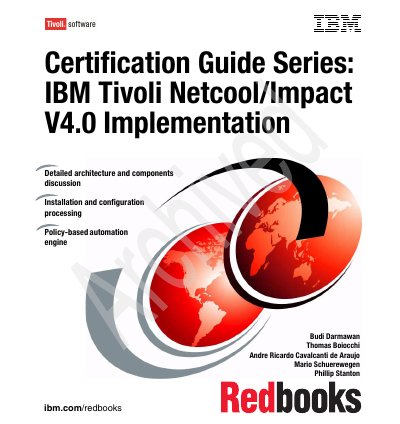
IBM Tivoli Netcool/Impact V4.0 Implementation Certification Guide
This IBM Redbook is a certification guide for IBM Tivoli Netcool/Impact V4.0. It discusses architecture and components, installation and configuration processing, and policy-based automation.
The guide includes chapters on planning, installation, configuration, development, administration, troubleshooting, and performance tuning, plus a sample test and related publications.
IBM V4.0 specifications
| Product version | 4.0 |
|---|---|
| Product number | 5724-T60 |
| Installation modes | Graphical user interface or silent mode |
| Default HTTPS port | 9443 |
| Default Db2 port | 50060 |
| Default database name | SKLMDB40 |
Source: IBM Security Key Lifecycle Manager V4.0 Installation Guide
All IBM V4.0 documents by type
Mounting, wiring and first power-up. Read it before the hardware goes in.
Questions answered in these manuals
What does this IBM Tivoli Netcool/Impact V4.0 guide cover?
It covers detailed architecture and components discussion, installation and configuration processing, and policy-based automation engine.
From: IBM Tivoli Netcool/Impact V4.0 Implementation Certification Guide
Which product version does this edition apply to?
Version 4, Release 0 of IBM Tivoli Netcool/Impact.
From: IBM Tivoli Netcool/Impact V4.0 Implementation Certification Guide
What installation modes are available for IBM Security Key Lifecycle Manager?
IBM Security Key Lifecycle Manager can be installed in graphical user interface mode or silent mode.
From: IBM Security Key Lifecycle Manager V4.0 Installation Guide
Does IBM Security Key Lifecycle Manager support console mode installation?
No. The document states that IBM Security Key Lifecycle Manager does not support a console mode installation.
From: IBM Security Key Lifecycle Manager V4.0 Installation Guide