
Key facts
- Brand
- Evolution
- Model
- UC-33
- Category
- Other Electronics
- Industry
- Electronics
- Documents
- 2
- Languages
- EN
- Last added
- 2012-07-04
Start here
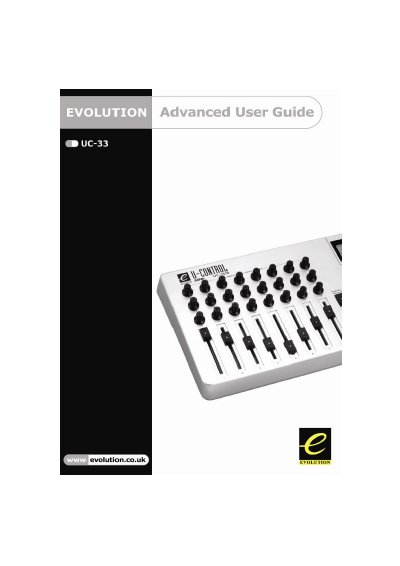
Evolution UC-33 Advanced User Guide
This document serves as an advanced user guide for the Evolution UC-33 MIDI controller. It assumes familiarity with basic operations covered in the Getting Started Guide and focuses on deeper features such as Edit Mode and Default Mode terminology.
The guide details how to perform 'On The Fly' operations, including sending program changes, bank changes, and snapshots to external devices like sound cards or modules. It also explains specific modes like CTRL MUTE for altering controller positions without affecting software settings and DRAW BAR mode for use with Hammond organ-style synths.
Evolution UC-33 specifications
| External Power Supply Spec | 9 V DC, 250‑300 mA, centre positive |
|---|---|
| Rotary Controllers | 24 programmable rotary dials |
| Faders | 9 full‑size programmable faders |
| Buttons | 14 programmable buttons |
| Preset Recall Buttons | 4 one‑press quick preset recall buttons |
| Power Switch | Power on/off switch |
Source: Evolution UC-33e MIDI Controller Getting Started Guide
All Evolution UC-33 documents by type
Day-to-day operation, settings and troubleshooting. Start here if the product is already set up.
Questions answered in these manuals
What are the specifications of the external power supply?
Use a 9 V DC supply delivering 250‑300 mA with a centre‑positive polarity.
From: Evolution UC-33e MIDI Controller Getting Started Guide
What is Edit Mode on the UC-33?
Edit Mode describes the short period after a function button has been pressed during which the parameters of that function can be altered.
What happens to controller data transmission when CTRL MUTE is engaged?
The LCD displays 'OFF' and no data is sent out by the UC-33 while you alter the position of a controller.