
Key facts
- Brand
- EUTECH
- Model
- Ion 5
- Category
- Health Care
- Documents
- 2
- Languages
- EN
- Last added
- 2023-10-18
Start here
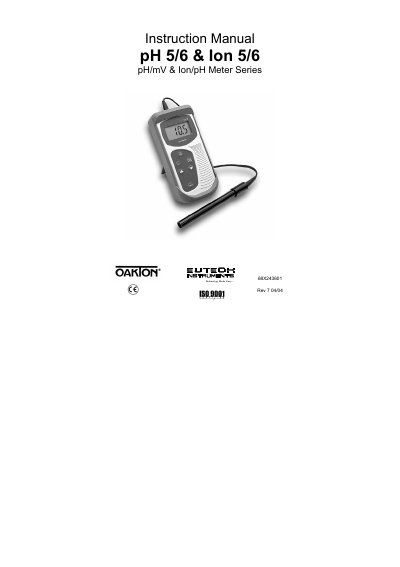
Eutech pH 5/6 & Ion 5/6 pH/mV & Ion/pH Meter User Manual
This manual provides step-by-step instructions for operating the Eutech pH 5/6 and Ion 5/6 meters, including calibration procedures using various buffer standards and temperature compensation. It also covers electrode maintenance, troubleshooting, and technical specifications for each model. The meters are designed for pH, mV, and ion concentration measurements with built-in auto-buffer recognition and hold functions.
Read onlineEutech Ion 5 specifications
| pH Range | 0.00 to 14.00 pH |
|---|---|
| pH Resolution | 0.01 pH |
| pH Accuracy | +/- 0.01 pH |
| Temperature Range | 0.0 to 100.0 oC |
| Temperature Resolution | 0.1 oC |
| Temperature Accuracy | +/- 0.5 oC |
| Millivolt Range (pH 6) | -1000 to +1000 mV |
| Millivolt Resolution (pH 6) | 1 mV |
| Millivolt Accuracy (pH 6) | +/- 2 mV |
| Operating Temperature | 0 to 50 oC |
| Battery Life | 500 hours |
| Meter Dimensions | 14 x 7 x 3.5 cm |
Source: Eutech pH 5/6 & Ion 5/6 pH/mV & Ion/pH Meter User Manual
All Eutech Ion 5 documents by type
Day-to-day operation, settings and troubleshooting. Start here if the product is already set up.
Questions answered in these manuals
What buffer standards can be used for pH calibration?
The meter supports USA (pH 4.01, 7.00, 10.01), NIST (pH 4.01, 6.86, 9.18), and Pb (pH 4.10, 6.97) buffer standards.
From: Eutech pH 5/6 & Ion 5/6 pH/mV & Ion/pH Meter User Manual
How do I reset the calibration values?
Press and hold the CAL key while switching on the meter, then press ENTER to confirm reset.
From: Eutech pH 5/6 & Ion 5/6 pH/mV & Ion/pH Meter User Manual
How do I change the measurement mode (pH, ion, mV, temperature)?
Enter SETUP mode and select the desired mode; the screen will show the current mode of operation.
How is calibration performed?
Press the CAL button to enter calibration mode, then follow the on‑screen prompts to apply buffer solutions and complete the calibration.