
Key facts
- Brand
- Etón
- Model
- Traveler II Digital G8
- Category
- Other Electronics
- Industry
- Electronics
- Documents
- 2
- Languages
- EN
- Last added
- 2026-11-09
Start here
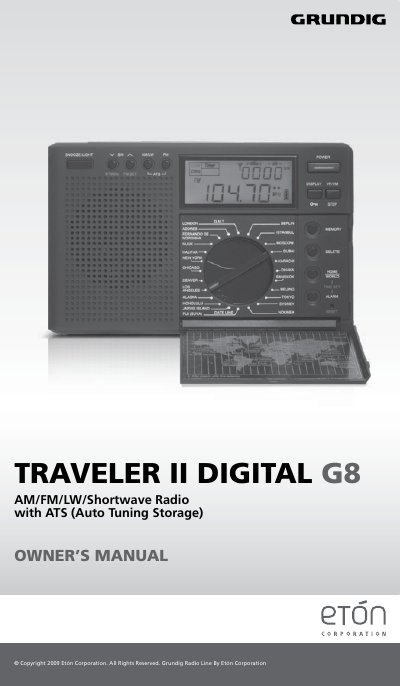
Etón Traveler II Digital G8 AM/FM/LW/Shortwave Radio with ATS User Manual
This manual guides users through operating the Etón Traveler II Digital G8 radio, including setting up for different regions, tuning frequencies, storing presets, and configuring clock and alarm functions. It also covers safety precautions and battery handling. The radio supports AM, FM, Longwave, and Shortwave bands with auto-tuning storage for FM, AM, and LW bands. Shortwave bands are detailed with frequency ranges for global listening. The manual includes instructions for antenna use, sleep timer, and display functions.
Read onlineEtón Traveler II Digital G8 specifications
| Frequency memory presets | 100 FM, 100 AM, 100 LW and 200 SW |
|---|---|
| Clock mode | 24-hour only |
| Batteries | Not included |
| Volume control | Volume knob on the right side |
All Etón Traveler II Digital G8 documents by type
Day-to-day operation, settings and troubleshooting. Start here if the product is already set up.
Questions answered in these manuals
How many frequencies can the Traveler II Digital G8 memorize?
It can memorize 100 FM, 100 AM, 100 LW and 200 SW (shortwave) frequencies.
Does the clock use 12-hour or 24-hour time?
The clock functions in 24-hour mode only, not in 12-hour AM/PM time.
How do I change the AM station spacing for different regions?
With the radio off, press the 9/10k button for two seconds. The display will show 9 KHz or 10 KHz. Wait for a few seconds to confirm.
From: Etón Traveler II Digital G8 AM/FM/LW/Shortwave Radio with ATS User Manual
Can I use the ATS function for shortwave frequencies?
No, the ATS memory system does not work with SW frequencies.
From: Etón Traveler II Digital G8 AM/FM/LW/Shortwave Radio with ATS User Manual