
This document is the user manual for Grundig Radio Line TRAVELER II DIGITAL G8 AM/FM/LW/Shortwave Radio with ATS (Auto Tuning Storage). It introduces the product's features, usage methods and precautions.
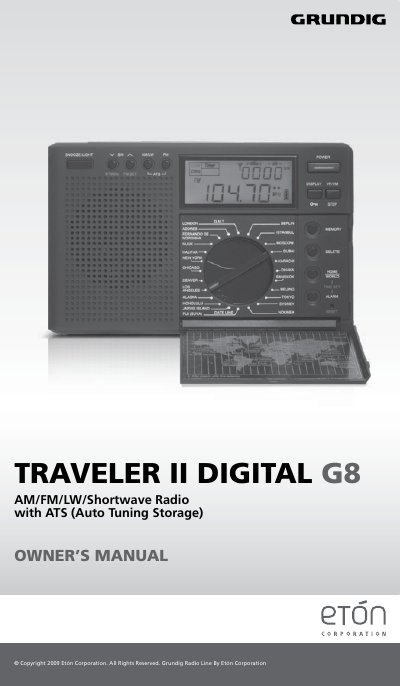
This manual guides users through operating the Etón Traveler II Digital G8 radio, including setting up for different regions, tuning frequencies, storing presets, and configuring clock and alarm functions. It also covers safety precautions and battery handling. The radio supports AM, FM, Longwave, and Shortwave bands with auto-tuning storage for FM, AM, and LW bands. Shortwave bands are detailed with frequency ranges for global listening. The manual includes instructions for antenna use, sleep timer, and display functions.
| Band Support | AM, FM, Longwave, Shortwave |
|---|---|
| Memory Storage | 100 FM, 100 AM, 100 LW, 200 SW frequencies |
| ATS Function | Auto Tuning Storage for AM, LW, FM bands |
| Shortwave Bands | 90m, 75m, 60m, 49m, 41m, 31m, 25m, 22m, 19m, 16m, 15m, 13m |
With the radio off, press the 9/10k button for two seconds. The display will show 9 KHz or 10 KHz. Wait for a few seconds to confirm.
No, the ATS memory system does not work with SW frequencies.
Set the time zone selector, press HOME/WORLD for two seconds to flash the hour, use the tuning knob to set it, press HOME/WORLD again to flash minutes, set them, then press HOME/WORLD to complete.