
Key facts
- Manuals
- 4
- Languages
- EN
- Last added
- 2023-10-18
Featured Etón manuals
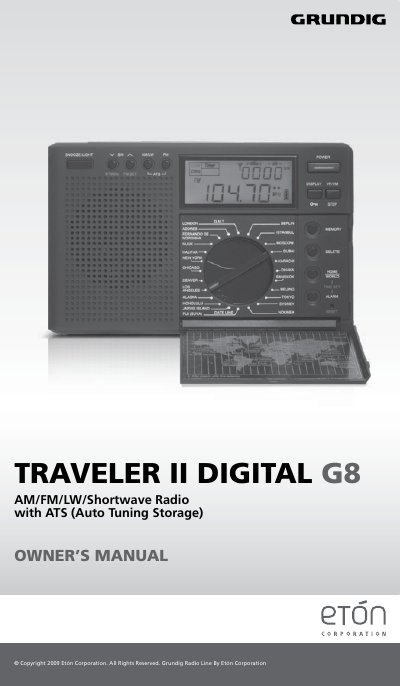
Etón Traveler II Digital G8 AM/FM/LW/Shortwave Radio with ATS User Manual
This manual guides users through operating the Etón Traveler II Digital G8 radio, including setting up for different regions, tuning frequencies, storing presets, and configuring clock and alarm functions. It also covers safety precautions and battery handling. The radio supports AM, FM, Longwave, and Shortwave bands with auto-tuning storage for FM, AM, and LW bands. Shortwave bands are detailed with frequency ranges for global listening. The manual includes instructions for antenna use, sleep timer, and display functions.
Covers: Safety Warnings · Battery Information · Setting Up for Different Regions · Power On/Off and Sleep Timer · Volume Control · Listening to FM, AM, LW, or SW
Etón Mini 300PE AM/FM/Shortwave Radio Operation Manual
This manual provides instructions for operating the Etón Mini 300PE portable AM/FM/Shortwave radio. It details the use of basic controls including the power button, volume knob, and band selector switch. The guide explains how to set the clock, configure alarms, and utilize the sleep timer function.
Covers: Basic Controls · Batteries · Power On/Off/Volume · FM Radio · AM/SW1-8 Radio · Antenna
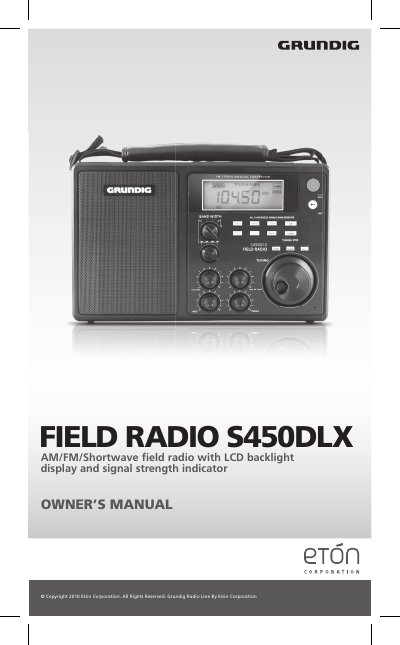
Etón S450DLX Field Radio Owner's Manual
The Etón S450DLX is a field radio featuring an LCD backlight display and a signal strength indicator. It supports AM, FM, and Shortwave bands and can be powered by six D-cell alkaline batteries or an AC adapter. The device includes features such as a sleep timer, volume and tone controls, and a lock button to secure the interface.
Covers: Installing Batteries · Using AC Power · Turning On and Off · Sleep Timer · Tuning FM Stations · Tuning AM Stations
Etón Traveler III AM/FM/LW and Shortwave Radio User Manual
This manual explains how to operate the Etón Traveler III portable radio, including setting time, tuning stations, using alarm and snooze functions, and managing presets. It covers features like RDS information display, auto-tuning, and battery operation. The radio supports multiple bands and includes a speaker, earphone jack, and adjustable volume. It also provides instructions for resetting the unit and contacting customer support.
Technical specifications include supported frequencies, speaker and earphone details, power supply options, dimensions, and weight. Warranty and registration information are included for product support and service.
Covers: Features and Controls · Power and Sleep Button · Display Mode/Lock Button · Tuning and Frequency Selection · Alarm and Snooze Functions · Shortwave Band and Auto Display
Latest Etón manuals
Etón Traveler II Digital G8 AM/FM/LW/Shortwave Radio with ATS User Manual
User Manual 23 pages · 326 KB · ENUser manual for the Etón Traveler II Digital G8 radio, covering setup, band selection, memory storage, clock, alarm, and antenna use.
Etón Mini 300PE AM/FM/Shortwave Radio Operation Manual
User Manual 38 pages · 249 KB · ENOperation manual for the Etón Mini 300PE portable radio covering controls, radio bands, clock, alarm, sleep function, and shortwave guidelines.
Etón S450DLX Field Radio Owner's Manual
User Manual 84 pages · 1 MB · ENThis manual provides operating instructions for the Etón S450DLX AM/FM/Shortwave field radio, covering battery installation, tuning, and sleep timer settings.
Etón Traveler III AM/FM/LW and Shortwave Radio User Manual
User Manual 80 pages · 382 KB · ENUser guide for the Etón Traveler III portable radio with AM/FM/LW/shortwave bands, alarm, and time features.
Which document do I need?
User Manual
Day-to-day operation, settings and troubleshooting. Start here if the product is already set up.
Questions answered in Etón manuals
How do I change the AM station spacing for different regions?
With the radio off, press the 9/10k button for two seconds. The display will show 9 KHz or 10 KHz. Wait for a few seconds to confirm.
From: Etón Traveler II Digital G8 AM/FM/LW/Shortwave Radio with ATS User Manual
Can I use the ATS function for shortwave frequencies?
No, the ATS memory system does not work with SW frequencies.
From: Etón Traveler II Digital G8 AM/FM/LW/Shortwave Radio with ATS User Manual
How do I turn the radio on?
Turn the radio on by pressing the POWER button.
From: Etón Mini 300PE AM/FM/Shortwave Radio Operation Manual
How do I set the alarm?
With the radio turned off, keep the ALARM button pressed and use the HOUR and MINUTE buttons to set the time.
From: Etón Mini 300PE AM/FM/Shortwave Radio Operation Manual
How do I activate the sleep timer?
Turn on the radio and press the POWER & SLEEP button continuously until the desired sleep time appears in the display.
How do I tune in FM stations?
Fully extend the telescopic antenna, turn on the radio, and use the TUNING knob or UP/DOWN buttons to find the station.