
Key facts
- Brand
- Elo TouchSystems
- Model
- 2240L
- Category
- Monitor
- Industry
- Electronics
- Documents
- 3
- Languages
- ES · FR · ZH
- Last added
- 2026-11-18
Start here
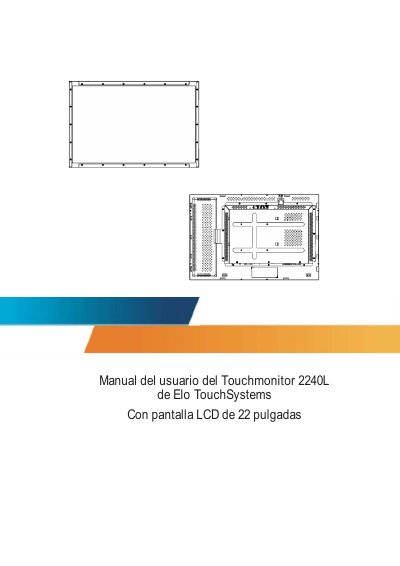
Elo TouchSystems 2240L Touchmonitor User Manual
The Elo TouchSystems 2240L is a frameless 22-inch LCD touchmonitor with an active-matrix color TFT display and a native resolution of 1680 x 1050. It is available with APR, IntelliTouch, SecureTouch, or surface capacitive touch technology, and all touch technologies include USB and serial interfaces.
The manual covers unpacking, cable connections, touch driver installation, monitor orientation and mounting, OSD controls, preset display modes, troubleshooting, safety, and technical specifications. It also states a three-year warranty for the touchmonitor and its components. This manual is written in Spanish.
Elo TouchSystems 2240L specifications
| Display | 22-inch active-matrix color TFT LCD, native resolution 1680 x 1050 |
|---|---|
| Touch technologies | APR, IntelliTouch, SecureTouch, and surface capacitive |
| Video inputs | VGA on all models; DVI-D on some models |
| Touch interfaces | USB and serial |
| Warranty | 3 years for the touchmonitor and its components |
All Elo TouchSystems 2240L documents by type
Day-to-day operation, settings and troubleshooting. Start here if the product is already set up.
Questions answered in these manuals
What touch technologies are available for the 2240L?
It is available with APR, IntelliTouch, SecureTouch, and surface capacitive touch technologies.
Which video inputs does the 2240L have?
All models have VGA video input, and some models also include DVI-D.
What touch technologies does the Elo TouchSystems 2240L support?
It supports APR, IntelliTouch, SecureTouch, and surface capacitive technologies.
What is the warranty period for the monitor?
The warranty for touch screens and product components is 3 years.
Can I connect both USB and serial cables simultaneously?
No, the manual warns not to connect both types of cables at the same time.
From: Elo TouchSystems 2240L 22-inch LCD Touch Monitor User Guide
What is the warranty period for the monitor?
The warranty period for the touch monitor and its components is 3 years.
From: Elo TouchSystems 2240L 22-inch LCD Touch Monitor User Guide