
Key facts
- Brand
- ELKO EP
- Model
- eLAN-RF-003
- Category
- Other Electronics
- Documents
- 2
- Languages
- EN
- Last added
- 2023-11-08
Start here
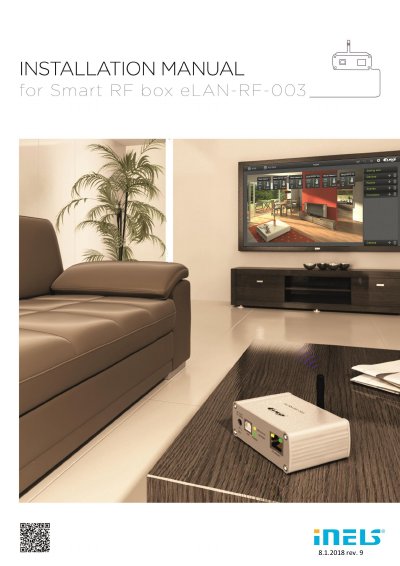
Elkoep eLAN-RF-003 Smart RF Box User Manual
The Elkoep eLAN-RF-003 is a control unit for the iNELS RF Control wireless system, allowing users to manage electrical installations via smartphones, tablets, or smart TVs. It supports bi-directional communication to visualize the status of up to 40 actuators and processes automatic control programs. The device connects to a home network via LAN and communicates with mobile applications like iHC-MAIRF or iHC-MIIRF.
Read onlineElkoep eLAN-RF-003 specifications
| Max number of actuators | 40 |
|---|---|
| Max number of temperature zones | 16 |
| Max number of time schedules | 16 |
| Communication range | up to 100 m |
All Elkoep eLAN-RF-003 documents by type
Day-to-day operation, settings and troubleshooting. Start here if the product is already set up.
Questions answered in these manuals
What are the default login credentials for the eLAN-RF-003?
The factory settings for the administrator are Name: admin and Password: elkoep.
How do I reset the eLAN-RF-003 to factory settings?
Perform a RESET by a long press of the button on the device front panel until the yellow LED starts flashing, then shuts off.
How many actuators can the eLAN-RF-003 control?
The Smart RF box transmits and receives commands for up to 40 units.
From: ELKO EP eLAN-RF-003 Smart RF Box Wireless Control Unit User Manual
How do I log in to the eLAN-RF-003 web interface as administrator?
Enter the unit's IP address in a browser, then use the factory administrator name admin and password elkoep.
From: ELKO EP eLAN-RF-003 Smart RF Box Wireless Control Unit User Manual