
The eLAN-RF-003 is a smart RF box, which is the control unit of the RF Control wireless system. It enables control of RF actuators and can be set via a web interface.
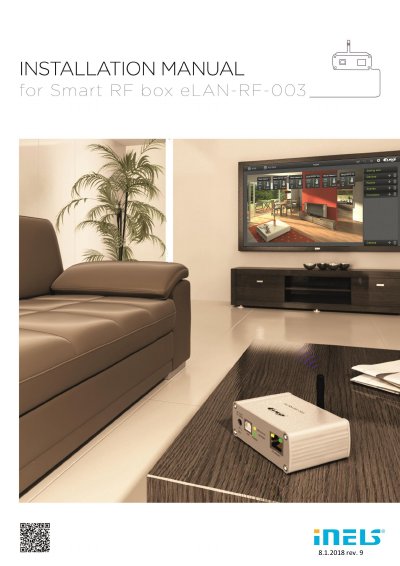
The Elkoep eLAN-RF-003 is a control unit for the iNELS RF Control wireless system, allowing users to manage electrical installations via smartphones, tablets, or smart TVs. It supports bi-directional communication to visualize the status of up to 40 actuators and processes automatic control programs. The device connects to a home network via LAN and communicates with mobile applications like iHC-MAIRF or iHC-MIIRF.
| Max number of actuators | 40 |
|---|---|
| Max number of temperature zones | 16 |
| Max number of time schedules | 16 |
| Communication range | up to 100 m |
The factory settings for the administrator are Name: admin and Password: elkoep.
Perform a RESET by a long press of the button on the device front panel until the yellow LED starts flashing, then shuts off.
Yes, it can be configured for Repeater mode to increase the range between RF controllers and elements.