
Introduces the eLAN-RF-003 control unit, which is a part of the RF Control wireless system. This unit lets you control home lighting, blinds and appliances.
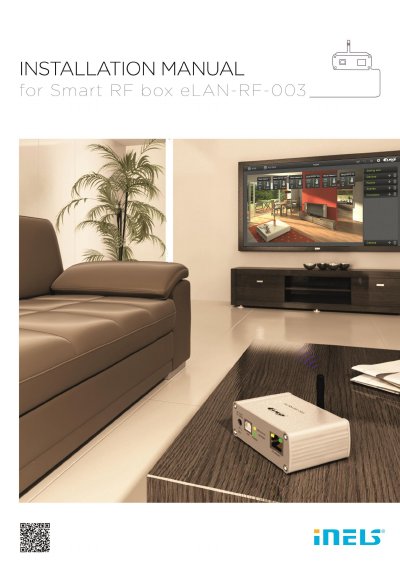
The eLAN-RF-003 is a Smart RF box control unit in the RF Control wireless system. It connects to the home network by LAN cable and lets users control an electrical installation from a smartphone, tablet, Samsung smart-watch Gear S2, or SMART TV. It transmits and receives commands for up to 40 units, supports bidirectional communication, and can obtain an IP address automatically from a DHCP server.
The manual covers installation and IP address discovery, logging in to the web interface, settings, rooms, scenes, floorplans, adding RF actuators, and repeater mode. The device can be powered by a 10–27 V DC adapter included in the supply or by PoE 24 V DC, and the web interface includes firmware update and save/load settings functions.
| Maximum number of actuators | 40 |
|---|---|
| Maximum number of temperature zones | 16 |
| Maximum number of time schedules | 16 |
| Maximum number of central sources | 10 |
| Maximum number of heating and cooling devices per heating zone | 10 |
| Maximum number of intervals in a time schedule | 8 |
| Wireless range | Up to 100 m in open space |
| Power supply | 10–27 V DC adapter |
| PoE supply | 24 V DC |
| Antenna connector maximum tightening torque | 0.56 Nm |
The Smart RF box transmits and receives commands for up to 40 units.
Enter the unit's IP address in a browser, then use the factory administrator name admin and password elkoep.
The factory setting of the password for logging in as admin and user is elkoep.
The range is up to 100 m in open space.