
Key facts
- Brand
- Comcast
- Model
- Custom 3-Device
- Category
- Other device
- Documents
- 3
- Languages
- EN
- Last added
- 2012-05-04
Start here
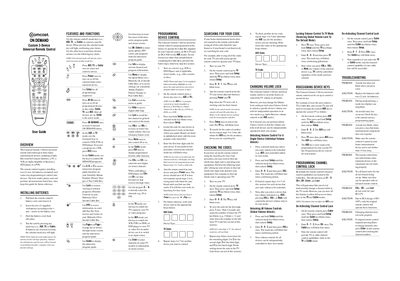
Comcast Custom 3-Device Universal Remote Control User Guide
This guide describes the features and functions of the Comcast Custom 3-Device universal remote, including mode selection (AUX, TV, Cable), navigation keys, and volume control. It also shows how to install the required two AA batteries and how the remote is pre‑programmed for a Comcast cable box, an RCA VCR, and an audio receiver.
Detailed instructions cover programming new devices by entering four‑digit codes, searching for missing codes, adjusting volume lock settings, reassigning device keys, and locking or unlocking channel control. A troubleshooting section lists common problems and solutions, such as battery replacement and code entry errors.
All Comcast Custom 3-Device documents by type
Day-to-day operation, settings and troubleshooting. Start here if the product is already set up.
Questions answered in these manuals
How can I program a new device?
Press and hold Setup until the selected mode key blinks twice, release Setup, then enter the four‑digit code for the device.
From: Comcast Custom 3-Device Universal Remote Control User Guide
What should I do if the mode key does not blink?
Replace the batteries with two new AA batteries.
From: Comcast Custom 3-Device Universal Remote Control User Guide
What should I do if a mode key does not blink?
Replace the batteries with two new AA batteries, as a non‑blinking mode key usually indicates low battery power.
From: Comcast Custom 3-Device Universal Remote Control User Guide
How do I change the volume lock to control a specific device?
Hold Setup, enter 9‑9‑3, then press VOL‑ (or VOL+) to unlock volume for the selected mode; repeat for each device as needed.
From: Comcast Custom 3-Device Universal Remote Control User Guide
What should I do if a mode key does not blink?
Replace the batteries with two new AA batteries.
From: Comcast Custom 3-Device Universal Remote Control User Guide