
This manual describes how to use the Comcast Custom 3-Device universal remote control, including how to install batteries, select devices, and operate the remote control.
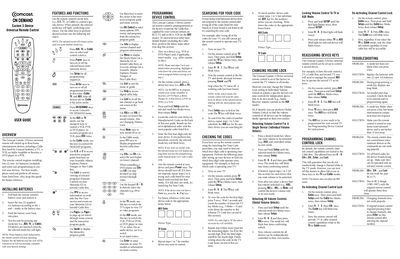
The guide introduces the Comcast Custom 3-Device universal remote, which can control up to three home entertainment devices such as a cable box, TV, VCR, audio amplifier, DVD player, or PVR. It covers battery installation, basic operation, and the functions of each key.
Detailed sections walk you through programming new devices, searching for codes when the default list does not work, adjusting volume lock settings, reassigning device keys, and troubleshooting common problems like unresponsive mode keys or channel‑control issues.
| Battery type | 2 AA batteries (included) |
|---|---|
| Maximum devices controlled | Up to three home entertainment devices |
Replace the batteries with two new AA batteries, as a non‑blinking mode key usually indicates low battery power.