
This document introduces the basic functions and usage methods of the Comcast Custom 3-Device universal remote control. This remote control can control three home entertainment devices, including a cable box, a TV, a VCR, an audio amplifier or receiver, a DVD player or a PVR.
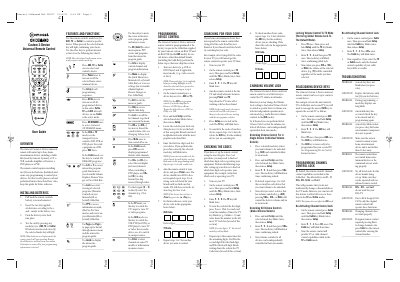
The Comcast Custom 3-Device universal remote can control up to three home‑entertainment devices such as a Cable Box, TV, VCR, DVD player, or audio receiver. It uses mode keys (AUX, TV, Cable) to select the device and provides dedicated keys for power, volume, channel, and program guide functions.
The guide details how to install the two AA batteries, program new devices using manufacturer codes, adjust volume lock settings, reassign device keys, and troubleshoot common issues. It also includes a comprehensive list of manufacturer codes for audio, video, and cable devices.
| Battery type | AA |
|---|---|
| Maximum controllable devices | 3 |
Hold Setup, enter 9‑9‑3, then press VOL‑ (or VOL+) to unlock volume for the selected mode; repeat for each device as needed.
Replace the batteries with two new AA batteries.