
Key facts
- Brand
- Brainboxes
- Model
- US-324
- Category
- Industrial Supply
- Industry
- Industrial
- Documents
- 2
- Languages
- EN
- Last added
- 2026-11-05
Start here
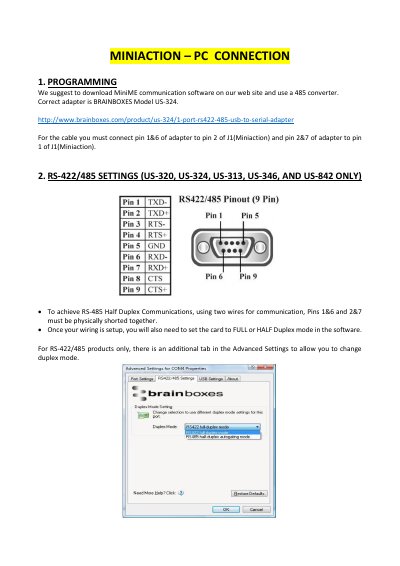
Brainboxes MiniAction PC Connection Guide
This guide explains how to connect the MiniAction device to a PC using the Brainboxes US-324 adapter. It details the physical wiring connections between the adapter pins and the MiniAction J1 connector, specifying which pins must be shorted for RS-485 half-duplex communication.
Read onlineBrainboxes US-324 specifications
| Connector | DB9 (9‑pin male) |
|---|---|
| FIFO size | 128 Byte TX / 256 Byte RX |
| Operating distance | Up to 4000 ft (1200 m) RS422/485 |
| Baud rate | Up to 921,600 baud |
| Power consumption | 80 mA @ 5 V |
| Weight | 0.0 kg |
| Size | 0 × 0 × 0 mm |
Source: Brainboxes US-324 USB2SERIAL 1xRS422/485 Product Leaflet
All Brainboxes US-324 documents by type
Day-to-day operation, settings and troubleshooting. Start here if the product is already set up.
Questions answered in these manuals
Which adapter model is required for the MiniAction PC connection?
The correct adapter is the BRAINBOXES Model US-324.
What is the factory default setting for RS-422/485 devices?
The default setting is RS-422 full duplex mode.
What is the maximum supported baud rate?
The device supports up to 921,600 baud.
From: Brainboxes US-324 USB2SERIAL 1xRS422/485 Product Leaflet
Which operating systems are supported?
Drivers are provided for Windows Vista (32‑ and 64‑bit) and Windows XP (32‑ and 64‑bit).
From: Brainboxes US-324 USB2SERIAL 1xRS422/485 Product Leaflet