
Key facts
- Brand
- Bose
- Model
- Lifestyle V30
- Category
- Home Speakers
- Industry
- Electronics
- Documents
- 2
- Languages
- EN · ZH
- Last added
- 2012-05-09
Start here
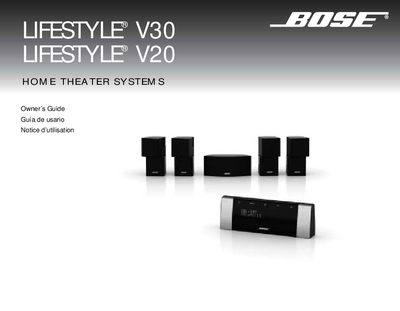
Bose Lifestyle V30/V20 User Manual
This Owner’s Guide walks you through the safe setup of the Bose Lifestyle V30 or V20 home theater system, covering placement of speakers, antenna connections, and power-up procedures. It also explains the ADAPTIQ® audio calibration system and how to use the remote control to manage TV, cable/satellite, DVD, VCR, and auxiliary sources.
Safety information, system specifications, troubleshooting tips, and a glossary are included to help you maintain optimal performance. The guide also details language selection, remote programming, and system expansion capabilities.
Bose Lifestyle V30 specifications
| Maximum expansion rooms | 14 |
|---|---|
| HDMI connectivity | Yes |
| Audio calibration system | ADAPTIQ® |
All Bose Lifestyle V30 documents by type
Day-to-day operation, settings and troubleshooting. Start here if the product is already set up.
Questions answered in these manuals
Can I modify the system or its accessories?
No, making modifications is prohibited because it may compromise safety, regulatory compliance, and system performance.
How many rooms can the system be expanded to?
The system can be expanded to up to 14 additional rooms.
Which home theater systems does this guide cover?
It covers the Bose Lifestyle V30 and Lifestyle V20 home theater systems.
From: Bose Lifestyle V30/V20 Home Theater System Owner's Guide
Where are the serial numbers located?
They are on the bottom of the media center and on the connection panel of the Acoustimass module.
From: Bose Lifestyle V30/V20 Home Theater System Owner's Guide