
Key facts
- Model
- ICP-CC408
- Category
- Security Software
- Industry
- Electronics
- Documents
- 2
- Languages
- ZH
- Last added
- 2026-10-28
Start here
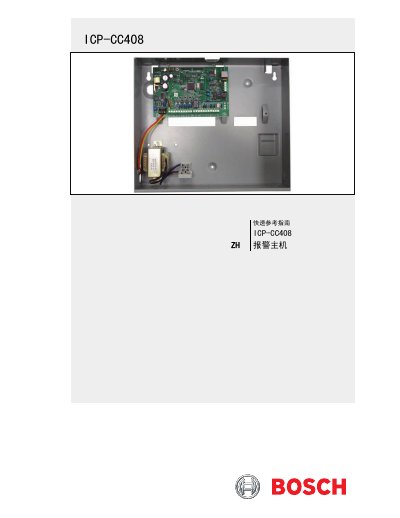
Bosch Security Systems ICP-CC408 Alarm Control Panel Quick Reference Guide
This document serves as a quick reference guide for the Bosch Security Systems ICP-CC408 alarm control panel. It provides essential information for system wiring, configuration, and programming, allowing users to manage system arming, disarming, and various settings efficiently. The guide is designed for quick access to common programming tasks and system commands. This manual is written in Chinese.
Read onlineBosch Security Systems ICP-CC408 specifications
| Operating Temperature | 0°C - +50 ℃ |
|---|---|
| Environmental Humidity | 20% - 90% |
| Power Requirement | Transformer – 220 V/18 VAC @ 1.47 A |
| Standby Current Consumption | 65 mA |
| Alarm Current Consumption | 115 mA |
| Backup Battery | 7 Ah/12 VDC Sealed Lead Acid Rechargeable Battery |
Source: Bosch Security Systems ICP-CC408E-CN/ICP-CC488E-CN Intruder Alarm Controller User Guide
All Bosch Security Systems ICP-CC408 documents by type
The shortest path to a working setup, usually only a few pages.
Day-to-day operation, settings and troubleshooting. Start here if the product is already set up.
Questions answered in these manuals
What is the default user code for the main user?
The default user code for the main user is 2580.
From: Bosch Security Systems ICP-CC408 Alarm Control Panel Quick Reference Guide
What is the default installer password?
The default installer password is 1234.
From: Bosch Security Systems ICP-CC408 Alarm Control Panel Quick Reference Guide
What is the default user code?
The default user code is 2580.
From: Bosch Security Systems ICP-CC408E-CN/ICP-CC488E-CN Intruder Alarm Controller User Guide
How do I arm the system in Away mode using the standard method?
Enter your user code and then press the [#] key, for example [2580#].
From: Bosch Security Systems ICP-CC408E-CN/ICP-CC488E-CN Intruder Alarm Controller User Guide