
Key facts
- Brand
- AVerMedia
- Model
- CAP 4K BU113
- Documents
- 2
- Languages
- ZH · EN
- Last added
- 2026-11-07
Start here
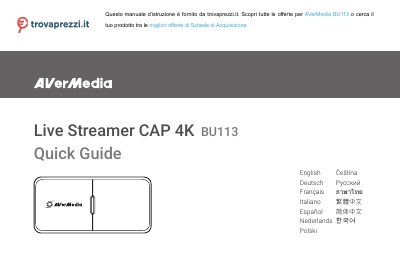
AVerMedia CAP 4K BU113 Live Streamer User Manual
User Manual 28 pages · 3.4 MB · ZH
This document serves as the user guide for the AVerMedia CAP 4K BU113 Live Streamer. It includes a quick start guide, important safety instructions, and details on what is included in the package. The manual explains how to connect the device and interpret the LED indicator statuses. This manual is written in Chinese.
Read onlineAVerMedia CAP 4K BU113 specifications
| Interface | USB 3.0 (UVC) |
|---|---|
| Input | HDMI 2.0 |
| Output | USB 3.0 Type-C |
| Max. Supported Resolution | 2160p60 HDR, 1440p144, 1080p60 |
| Max. Recording Resolution | 2160p30, 1080p60 HDR |
| Audio Sampling Rate | 48 kHz PCM over HDMI |
| Dimensions | 85 x 43 x 17 mm |
| Weight | 82 g |
All AVerMedia CAP 4K BU113 documents by type
User Manual 2
Day-to-day operation, settings and troubleshooting. Start here if the product is already set up.
Questions answered in these manuals
Does the Live Streamer CAP 4K require driver installation?
No, this device does not require a driver installation.
What does a flashing blue LED indicate?
A flashing blue LED indicates the device is booting or updating firmware.
Does this device require driver installation?
No, this device does not require a driver installation.
What USB version is supported?
The device supports USB 3.0 only and does not support USB 2.0.