
Key facts
- Brand
- APC
- Model
- 600
- Category
- Power Management
- Industry
- Electronics
- Documents
- 2
- Languages
- EN
- Last added
- 2026-11-14
Start here
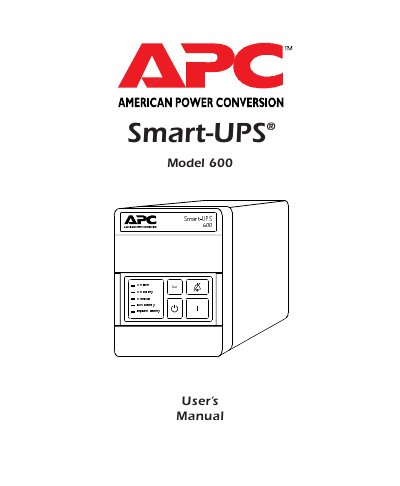
APC Smart-UPS 600 UPS User Manual
This manual is for the Smart-UPS 600, a line-interactive uninterruptible power supply for computer loads. It covers safety instructions, presentation of the 600 VA models, installation, operation, monitoring, troubleshooting, battery replacement, service, storage, and specifications.
The manual describes SmartBoost voltage regulation during brownouts, battery replacement indicators and self-testing, remote interfaces, extended monitoring and power-management capabilities, display features, audible alarms, option switches, and storage conditions.
APC 600 specifications
| UPS capacity | 600 VA |
|---|---|
| Transfer time | typically within 2 milliseconds |
| SmartBoost voltage boost | 12% above input |
| Battery self-test interval | every 14 days |
| Output waveshape | low distortion sine wave |
All APC 600 documents by type
Day-to-day operation, settings and troubleshooting. Start here if the product is already set up.
Disassembly, diagnostics and part numbers, for repair.
Questions answered in these manuals
What does SmartBoost do?
SmartBoost allows continuous, on-line operation during extended brownouts or low line voltage conditions.
How often does the UPS test its battery?
During long-term, unattended operation, the UPS automatically conducts a battery self-test every 14 days.
At what input voltage does the contactor de‑energise?
The contactor de‑energises when the input voltage decreases to 42.5 V.
From: APC LVD300/LVD400/LVD500/LVD600/LVD1000 Low Voltage Disconnectors Equipment Handbook
How can the unit be manually overridden?
By setting the keyswitch to the OPEN position, which de‑energises the contactor regardless of input voltage.
From: APC LVD300/LVD400/LVD500/LVD600/LVD1000 Low Voltage Disconnectors Equipment Handbook