
Key facts
Start here
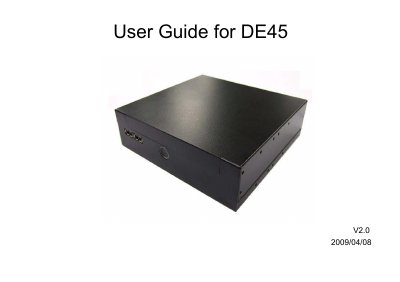
AOpen DE45 User Manual
This document provides safety instructions, disposal guidelines, and FCC compliance information for the AOpen DE45. It includes warnings about liquid exposure, battery use, and laser safety for the DVD-ROM/CD-RW combo drive. The manual also specifies operating temperature limits and RF interference mitigation steps. The document is copyrighted by AOpen Inc. and includes product identification numbers for reference.
Read onlineAOpen DE45 specifications
| CPU Support | Intel Core 2 Duo, Celeron CPU (Santa Rosa & Santa Rosa Refresh) |
|---|---|
| Chipset | Intel GM45+ICH9M |
| Graphics Engine | GMA X4500MHD |
| Memory Support | Dual Channel DDR-II 667/800 MHz up to 4GB |
| Display Outputs | HDMI and dual VGA |
| Dimensions (WxHxD) | 166mm x 48mm x 157mm |
| Weight | 1.22 kg / 2.68 pound (N.W.) |
| Power Input | AC 100 ~ 240V |
Source: AOpen DE45-HG/DE45-PRO Digital Signage Media Player Specifications
All AOpen DE45 documents by type
Day-to-day operation, settings and troubleshooting. Start here if the product is already set up.
Questions answered in these manuals
What is the maximum supported memory capacity?
The system supports up to 4GB of Dual Channel DDR-II SO-DIMM memory.
From: AOpen DE45-HG/DE45-PRO Digital Signage Media Player Specifications
How many USB ports are provided on the device?
There are four USB 2.0 ports available, with two located at the rear and two at the front.
From: AOpen DE45-HG/DE45-PRO Digital Signage Media Player Specifications
What operating temperature range does the DE45-Pro support?
It operates from –10 °C to 55 °C.
Does the DE45-Pro support dual displays?
Yes, it supports dual displays.
What is the operating temperature limit for the DE45?
The ambient operation temperature is less than 40 degrees C.
From: AOpen DE45 User Manual
What should I do if liquid penetrates the device?
Get the equipment checked by a service personnel.
From: AOpen DE45 User Manual