
Key facts
Start here
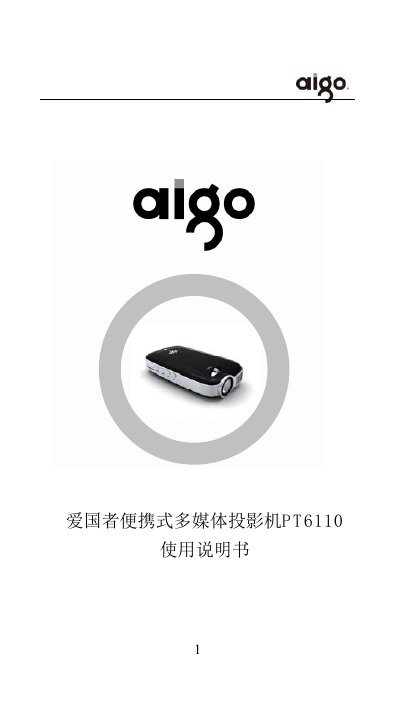
AIGO PT6110 Portable Multimedia Projector User Manual
The AIGO PT6110 is a compact portable multimedia projector utilizing LCOS silicon-based liquid crystal technology. It supports multiple input methods including AV, USB Display, and USB Video, allowing users to project multimedia content from various sources. The device features a TFT card expansion capability and supports a wide range of video and audio formats. This manual is written in Chinese.
Read onlineAigo PT6110 specifications
| Projection Area | 5-50 inches |
|---|---|
| Memory Expansion | 8GB |
| Battery Type | Polymer battery |
| Charging Time | 4 hours |
Source: AIGO PT6110 Portable Multimedia Projector User Manual
All Aigo PT6110 documents by type
Day-to-day operation, settings and troubleshooting. Start here if the product is already set up.
Questions answered in these manuals
How do I turn on the projector?
Press the power button for 3 seconds.
How do I connect the projector to a TV?
Connect the AV cable and select 'AV IN' in the menu.
How long does it take to fully charge the battery?
It takes approximately 4 hours to fully charge the battery.
What happens if the projector is turned on while charging?
The device should not be turned on while charging to prevent damage from excessive current.