
Key facts
- Brand
- Advantech
- Model
- MIC-3397
- Category
- Motherboard
- Industry
- Computers
- Documents
- 2
- Languages
- EN · ZH
- Last added
- 2026-11-13
Start here
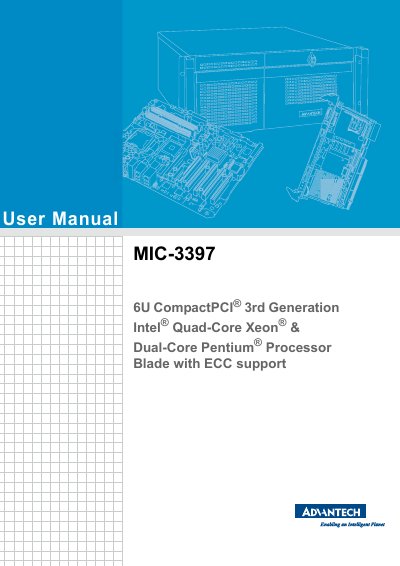
Advantech MIC-3397 6U CompactPCI Processor Blade User Manual
The Advantech MIC-3397 User Manual covers the MIC-3397 6U CompactPCI third-generation Intel quad-core Xeon and dual-core Pentium processor blade with ECC support. It provides product specifications, hardware configuration, installation steps, safety precautions, connector definitions, and jumper and switch descriptions for system integrators and maintenance personnel.
The manual includes Advantech copyright and warranty information, CE/FCC/FM declarations, a packing list, safety instructions in English and French, and ESD precautions. It is intended for system integration and maintenance staff.
Advantech MIC-3397 specifications
| Form factor | 6U CompactPCI |
|---|---|
| Processor | Intel Quad-Core Xeon and Dual-Core Pentium |
| Memory support | ECC |
| Sound pressure level | No more than 70 dB (A) |
| Storage temperature | -20° C to 60° C |
Source: Advantech MIC-3397 6U CompactPCI Processor Blade User Manual
All Advantech MIC-3397 documents by type
Day-to-day operation, settings and troubleshooting. Start here if the product is already set up.
Questions answered in these manuals
What is the warranty period for Advantech products?
Two years from the date of purchase.
From: Advantech MIC-3397 6U CompactPCI Processor Blade User Manual
What should you do if the equipment is not used for a long time?
Disconnect it from the power source to avoid damage by transient overvoltage.
From: Advantech MIC-3397 6U CompactPCI Processor Blade User Manual
What is the warranty period for this product?
Advantech provides a two-year quality assurance from the date of purchase.
How do I enter the BIOS setup interface?
Press the <DEL> or <F2> key to enter the setup interface.