
The ZEBEX Z-6082 user manual provides setup, operation, and maintenance instructions for the all‑direction laser scanning platform.
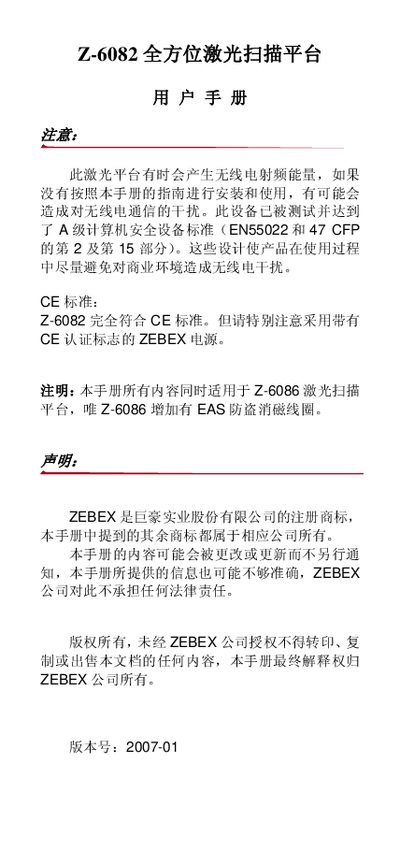
This manual describes the Z-6082 all‑direction laser scanning platform, including unpacking, hardware layout, power connection, and installation. It explains how to connect the device to a PC or POS system via RS‑232, keyboard (PS/2) or USB interfaces, and provides step‑by‑step scanning tests.
Additional sections cover scanning methods (sweep and contact modes), indicator and buzzer signals, sleep mode, host‑controlled operation, safety precautions, and detailed specifications. Appendices contain wiring diagrams, pin definitions, full specifications, troubleshooting, and configuration settings for barcode and RFID/EAS functions. This manual is written in Chinese.
| Light source | 650 nm visible laser diode |
|---|---|
| Scan distance | 0‑216 mm |
| Scan window | 90 mm @ contact, 218 mm @ 216 mm depth |
| Scan mode | 32‑line mesh scan |
| Scan frequency | 2400 times/s |
| Scan angle | 8 scanning directions |
| Minimum resolution | 5 mil |
| Physical dimensions (H×W×D) | 152 mm × 152 mm × 82 mm |
| Weight | 1.2 kg |
| Power input | 5 V DC ±10%, 300 mA (max 1 A) |
| Laser safety class | CDRH II / IEC 60825‑1 Class 1 |
| EMC certifications | CE & FCC |
| Operating temperature | 0 °C – 40 °C |
| Storage temperature | -20 °C – ‑60 °C |
| Humidity range | 5 % – 95 % (non‑condensing) |
Connect the data cable’s crystal‑tip end to the platform’s “host” slot, then attach the other end to the PC/POS via RS‑232, keyboard (PS/2) or USB, using an external 5 V power adapter if the host port cannot supply power.
The platform requires a 5 V DC power source, typically 5 V @ 1000 mA supplied via the data cable or an external 5 V power adapter.
It complies with CE standards, EN55022, FCC, and the laser safety class CDRH II (IEC 60825‑1 Class 1).