
The YSI ProQuatro 606962-09 user manual provides setup, operation, sensor connection, battery replacement, and maintenance instructions for the handheld…
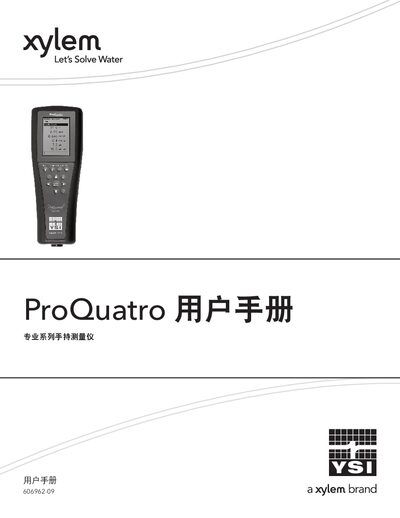
This manual introduces the ProQuatro handheld measurement instrument, covering safety warnings, unpacking, and basic operation. It explains the required accessories, including the quick‑start guide, USB flash drive, two size‑2 alkaline batteries, and USB 2.0 cable.
Detailed sections describe battery installation, the various Quatro sensor cables and compatible sensors, step‑by‑step procedures for installing pH, ORP, DO, ISE, and conductivity/temperature (C/T) sensors, and maintenance guidelines such as cleaning and waterproofing. Technical tables provide dissolved‑oxygen conversion data and pressure references. This manual is written in Chinese.
| Battery type | Two (2) size‑2 alkaline batteries |
|---|---|
| Battery life (continuous use at room temperature) | Approximately 80 hours |
| Ingress protection rating | IP‑67 |
| Conductivity/Temperature sensor model | C/T sensor model 5560 |
The ProQuatro uses two (2) size‑2 alkaline batteries.
Compatible Quatro cables include the 605790 series (1, 4, 10, 20, or 30‑port), 6051030, 6051020, 6051010, 605102, and others listed in the manual.
Locate the C/T port, loosen the stainless‑steel fixing nut, apply a thin layer of O‑ring lubricant, align and insert the sensor, then tighten the nut by hand and finish with a quarter‑turn using the tool.