
The Yoopan CG-1000 manual explains software installation, configuration, subtitle creation, and system connection for the portable high/standard‑definition…
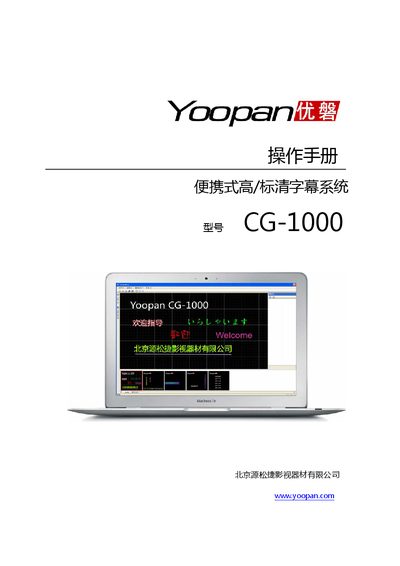
This manual covers the installation and configuration of the Yoopan CG-1000 subtitle software on Windows PCs, including required operating system, CPU, memory, disk space, and graphics card specifications. It also describes how to connect the PC to a DVI‑enabled video switcher for dual‑screen subtitle output.
Detailed usage instructions are provided for creating and editing subtitles, applying effects such as fade, scroll, and karaoke, and managing layers, preview, and playback. The final section lists product support contact information. This manual is written in Chinese.
| Operating System | Windows XP SP2 or Windows Vista |
|---|---|
| CPU | Intel Pentium M 735 or AMD Mobile Athlon 64 (recommended Core 2 Duo T5500 or Turion 64 X2 TL‑50) |
| Memory (RAM) | 1 GB (recommended 2 GB) |
| Disk Space | At least 500 MB free partition |
| Graphics Card | DirectX 9.0C compatible, dual‑output, at least one DVI output |
| Display Output | Dual‑screen DVI output, supports high‑definition and standard‑definition resolutions |
| Supported Image Formats | BMP, JPG, GIF |
| Supported Languages | Chinese and multiple international languages |