
Quick reference guide for Yealink SIP-T32G IP phone with call, contact, and feature instructions.
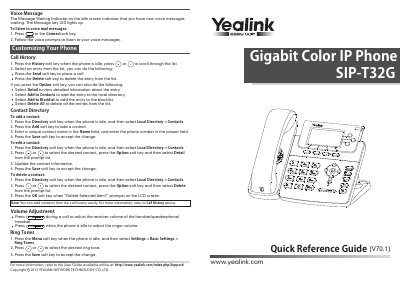
This guide provides quick instructions for making and receiving calls, managing contacts, adjusting settings, and using features like call transfer, conference calls, and call forwarding. It covers basic operations such as dialing, muting, transferring, and forwarding calls. The guide also explains how to manage contacts and adjust ringer and receiver volume. It is designed for users who need fast access to essential functions without reading a full manual.
Press the 4FOE soft key to place a call, then select %FUBJM to view details, and %BMM to add to the local directory or #MBDLMJTU to add to the blacklist.
Press the )PME soft key to mute the microphone during a call. Press again to un-mute.