
User manual for the Yamato AW-WLG Series digital portion scale, covering setup, battery installation, specifications, panel operation, calibration, and…
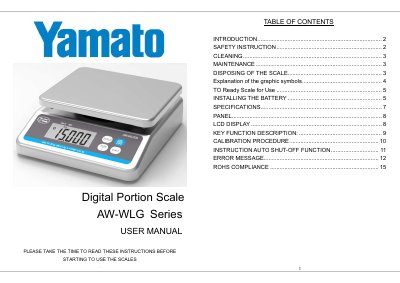
This user manual covers the Yamato AW-WLG Series digital portion scale. It provides safety instructions, cleaning and maintenance guidance, battery installation steps, and disposal information.
It also explains the panel and LCD display, key functions, calibration procedure, auto shut-off function, error messages, and RoHS compliance.
| Model | AW-WLG15, AW-WLG30 |
|---|---|
| Capacity Division | 0-6 kg x 0.002 kg / 5-15 kg x 0.005 kg / 0-15 kg x 0.005 kg / 15-30 kg x 0.01 kg |
| Units of Measure | kg, lb |
| Stabilisation Time | 1-2 seconds |
| Operating Temperature and Humidity | 5°C - 35°C, 40%-95% RH |
| Power Supply | 120 VAC 60Hz to 15 VDC 300 mA |
| Dimensions | 11.22" W x 10.03" D x 3.54" H |
Install four new AA size batteries in the holder, noting polarity markings, then replace the cover and turn the locking tabs clockwise.
It means the battery voltage is too low to use; replace the batteries or plug in the AC adaptor.
Place the scale on a hard level surface, press and hold ON/OFF, then press the UNIT key three times.
The expected service life is 5 years.