
User guide for installing, setting up, and using the Yale Wi-Fi Camera with Wi-Fi connectivity, mounting options, and firmware updates.
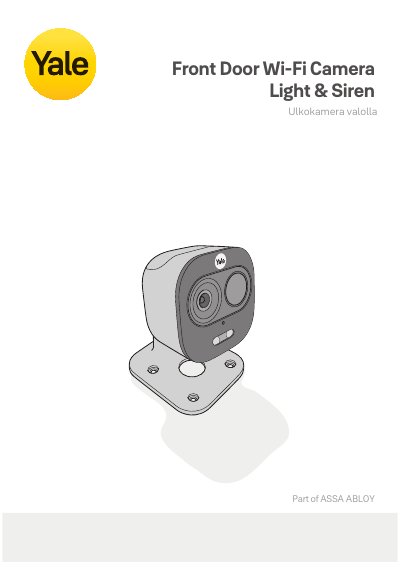
This manual provides step-by-step instructions for installing and configuring the Yale SV-DAFX-B Wi-Fi Camera. It covers Wi-Fi setup, mounting options, video recording with SD card, and using the Yale View app. The camera supports 2.4 GHz Wi-Fi and has a 160-lumen LED light. Firmware updates and support resources are available online.
The camera is designed for indoor and outdoor use, with IP65 rating. It includes a reset procedure and compatibility with Yale View app for mobile control. Compliance with EU Directive 2014/53/EU is confirmed by ASSA ABLOY Opening Solutions Poland S.A.
| Wi-Fi Frequency | 2.4 GHz |
|---|---|
| LED Light | 160 Lumen |
| IP Rating | IP65 |
| Video Storage | SD Card |
| Reset Procedure | Hold button for 10 seconds |
The camera can be placed on a table or shelf without mounting, or mounted on walls or ceilings using screws. Test its operation at the installation site before mounting.
Use the Yale View app to register the camera and enter Wi-Fi credentials. The app guides you through the setup process.
The camera has an IP65 rating, suitable for both indoor and outdoor use.