
Step-by-step guide to install and program the Yale YRD216 keypad deadbolt, including smart home integration.
This manual provides detailed instructions for installing and programming the Yale YRD216 Keypad Deadbolt. It covers removing existing hardware, checking door measurements, installing the lock, programming the keypad, and adding it to a smart home system or August App. The guide also includes troubleshooting tips and information on compatible smart modules like the Yale Z-Wave Plus and ZigBee modules.
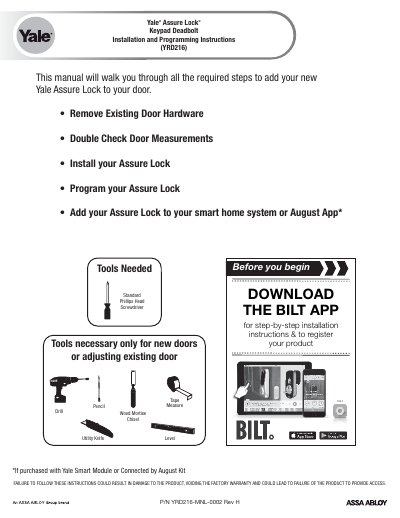
Tools required include a Phillips head screwdriver, utility knife, drill, and tape measure. The document includes diagrams and step-by-step procedures for both new and existing doors, with optional security strike plates and fire kit parts.
Standard Phillips Head Screwdriver, Utility Knife, Drill, Wood Mortise Chisel, Pencil, Tape Measure, and Level.
Yes, this product can be operated in any Z-Wave network with other Z-Wave certified devices from other manufacturers.