
User guide for Yaesu FTDX10 transceiver covering operation, settings, safety, and accessories.
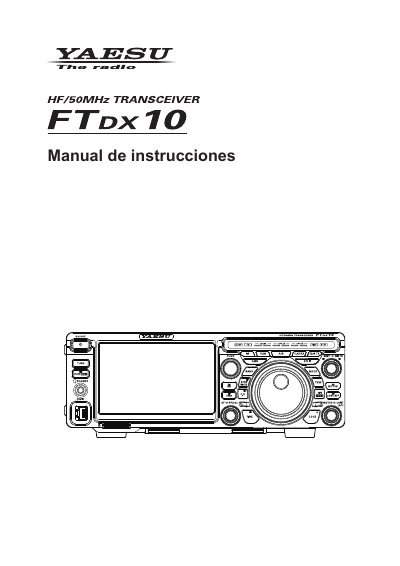
This manual provides step-by-step instructions for operating the Yaesu FTDX10 transceiver, including screen navigation, frequency settings, and audio adjustments. It also covers safety precautions, accessory installation, and advanced features like CW, RTTY, and PSK modes. The guide is designed to help users maximize the device’s functionality and performance.
The manual includes detailed sections on connecting antennas, power cables, and external devices, as well as configuring memory channels, filters, and audio settings. It also explains how to use optional accessories like the ATU, SD card, and remote control unit. This manual is written in Spanish.
| Transmitter | Not specified in text |
|---|---|
| Receiver | Not specified in text |
Select [DISPLAY SETTING] → [DISPLAY] → [LED DIMMER], then use the [FUNC] knob or touch '<' or '>' to adjust.
The manual lists accessories such as the FH-2 remote control, SD card, and optional ATU or antenna tuner.
Connect the amplifier using the specified interconnection methods for linear amplifiers like VL-1000 or other compatible models.