
Installation guide for the Xunrao IOM16800-ModbusRTU I/O expansion module, covering parameters, registers, wiring, installation, and FAQs.
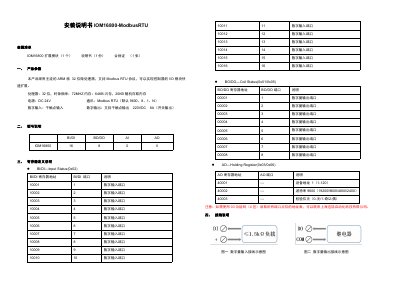
This document is an installation guide for the Xunrao IOM16800-ModbusRTU expansion module. It describes the module's 32-bit ARM processor, Modbus RTU communication, dry-contact digital inputs and outputs, DC24V power supply, and physical dimensions.
It also provides register definitions for digital inputs, digital outputs, and holding registers, along with wiring diagrams, rail-mounting instructions, and answers to common questions about communication parameters and device addressing. This manual is written in Chinese.
| Processor | 32-bit, 72 MHz |
|---|---|
| Memory | 64 KB flash, 20 KB RAM |
| Power supply | DC 24 V |
| Communication | Modbus RTU (default 9600, 8, 1, N) |
| Digital inputs | Dry contact input |
| Digital input ports | 16 |
| Digital outputs | Dry contact output, 220 VDC 8 A (switch output) |
| Digital output ports | 8 |
| Dimensions | 185 mm x 119 mm x 42 mm (L x W x H) |
| Weight | 350 g |
| Device address range | 1-120 |
| Baud rate options | 19200/9600/4800/2400 |
| Parity options | None/odd/even |
The module defaults to Modbus RTU at 9600 baud, 8 data bits, 1 stop bit, no parity, with device ID 1.
Use ModbusPoll to read registers 40001, 40002, and 40003, then modify them according to the register descriptions; settings take effect after power cycling.
Set the internal DIP switches according to the table; when all switches are 0, register 40001 can be written, while values 1-63 show the DIP value and register writes are invalid.
The document lists BACnetScan, OPC2WEB, X2OPC_Free, MBusScan, and Lumiscan among free software available from the Xunrao website.