
This is an industrial gateway device that supports 4G full netcom and has 1 network port and 2 RS232/485 interfaces. It supports thermostats, heat meters, water meters, electric meters, PLCs, flow meters, boilers, elevators, intelligent lighting, UPS, precision air conditioners, chillers, multi-split air conditioners, environmental protocols, fire alarms, weighing, solar control systems, and Gree gateways.
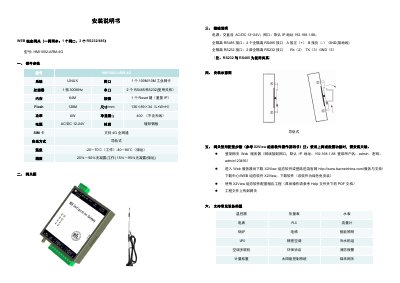
This document is the installation manual for the Xunrao HMI1002-ARM-4G WEB configuration gateway, which provides one 100M/10M industrial Ethernet port and two RS485/RS232 serial ports in a multiplexed relationship.
It covers hardware parameters, wiring instructions, DIN-rail installation, Web server configuration using X2View configuration software, supported device types and protocols, and answers to common questions such as IP address changes and communication failures. This manual is written in Chinese.
| Model | HMI1002-ARM-4G |
|---|---|
| System | LINUX |
| Processor | 1 core 300MHz |
| Flash | 128M |
| Power supply | AC/DC 12-24V |
| Dimensions | 136×89×34 mm |
| Net weight | 400 g |
| Operating temperature | -20~70℃ |
| SIM card | 4G full netcom |
| Installation method | DIN rail |
Connect the computer directly to the gateway with a network cable, set the computer IP to the same subnet, then open a browser, enter 192.168.1.88, log in to the Web server, and set the IP address under "Port Settings".
Press and hold the Reset button until the gateway beeps, the network port temporarily restores the default IP address, then log in through the network port at http://192.168.1.88/login.html to view the original IP address.
Back up the configuration project before downloading with X2View configuration software, or log in to the gateway WEB page “Download File”, click “Project File” and back up the project as prompted.
Check whether the physical connection is correct, whether the station number is correct, whether the register address is correct, and whether batch transmission is too large.